Out Here
A new volunteering app, connecting dedicated volunteers with their perfect match.
My Roles
UX/ UI DesignTools
Figma | Otter.AITime
8 weeksProject Background
The pandemic has had a dual impact on the volunteering industry. At first, it led to a decrease in volunteer engagement due to safety concerns and restrictions. However, it also sparked creativity and led to the emergence of virtual volunteering and remote opportunities.
Looking ahead, a hybrid approach that integrates in-person and virtual volunteering can effectively adjust to the evolving environment.
Identifying the problem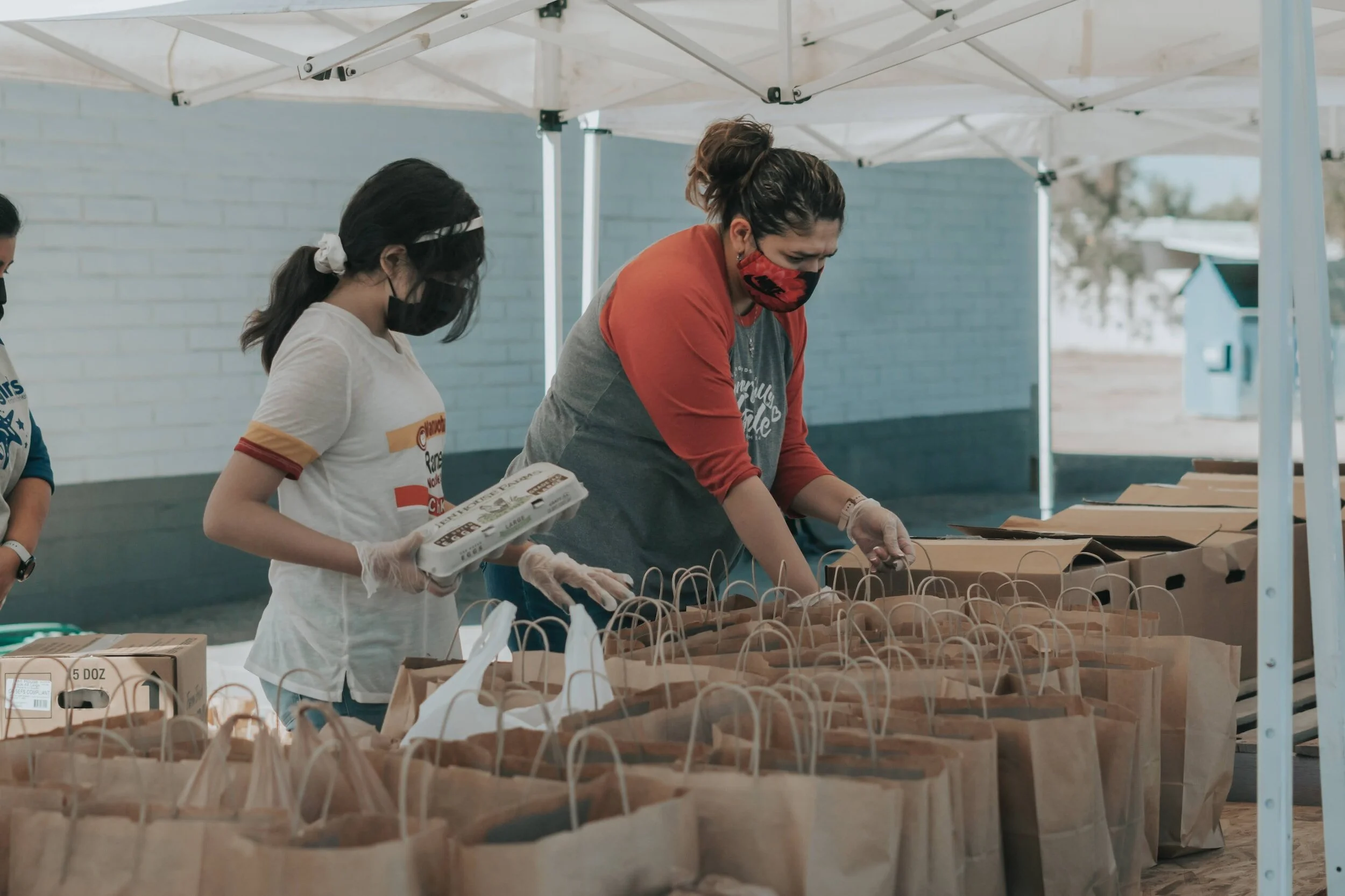
Project
Goal
“I’d like to be more involved in my community – what are my volunteer options in my city?”
I plan to create a volunteering/ project management app that allows organisations to connect with volunteers that match their specific needs, and skill requirements. While keeping volunteers engaged and rewarded for their efforts.The Problem
Current issues faced by the volunteer industry
Limited User Engagement: Many users download volunteering apps but do not stay engaged or committed to volunteering over the long term.

Lack of Diverse Opportunities: Some apps may have limited options, making it difficult for users to find volunteering roles that match their interests and skills.

Difficulty in Finding Matching Opportunities: It can be challenging for users to find volunteer roles that match their specific skills and availability.

Inconsistent Information: Information on opportunities may not always be up-to-date, causing frustration for users.
Research
Competitive Analysis
The Big Help Out
The Big Help Out connects users with a helpful and supportive community ready to lend a hand in times of need. Whether you need advice, information, or practical help, the app ensures you receive the assistance you require.
Pros: Open to all, and any organisation or individual can join in with or register for an event via the app.
Cons: Lack of community
On Hand
Engaging employees with doing good. On-demand, local and remote opportunities.
Pro: Large database
Cons: Unable to match to causes based on skills or interest
Interview Plan
QualitiveParticipants
4 usersAges 25-35Works in events or has an interest in volunteering
Settings & Parameters
4 virtual interviews over ZoomTranscribed by Otter
IntroHello ____ , thank you for joining me today. I'm excited to dive into your experience and insights as a user. Your feedback is important for us to create a more user-friendly and rewarding platform for volunteers like you. Warm upWhere do you live?Tell me about your role and your responsibilities.What do you enjoy the most about your role?
Be more specificWhat specific skills and expertise do you typically look for in volunteers for projects?What do you think are the motivations for volunteers to participate in your projects?What specific skills and expertise do look for in volunteers?How do potential volunteers typically learn about new volunteer opportunities?What information is essential to gather from potential volunteers during the registration process to assess their capabilities and interests?How can the onboarding process be streamlined to make it quick and easy to sign up for projects?How can the platform effectively match volunteers with relevant projects based on their skills, interests, and location?What tools could help you discover volunteers?How do you verify the qualifications and background of potential volunteers to ensure they are the right fit for specific projects?How do you prefer to collect feedback from other project organisers and other volunteers to assess the performance and reliability of volunteers?What methods can be used to incentivise users to leave constructive reviews and feedback?What features or channels can be implemented to keep volunteers informed about project updates, upcoming opportunities, and changes in requirements?How can the platform facilitate communication between volunteers and project organisers?What resources, guides, or support materials could be provided to help volunteers excel in their roles and enhance their overall experience?How do you foster a sense of community and camaraderie among volunteers to encourage their continued engagement and participation?What are the pain points or challenges you currently face when using platforms, and how can those be addressed to create a more user-friendly experience when contacting volunteers?
User Interviews
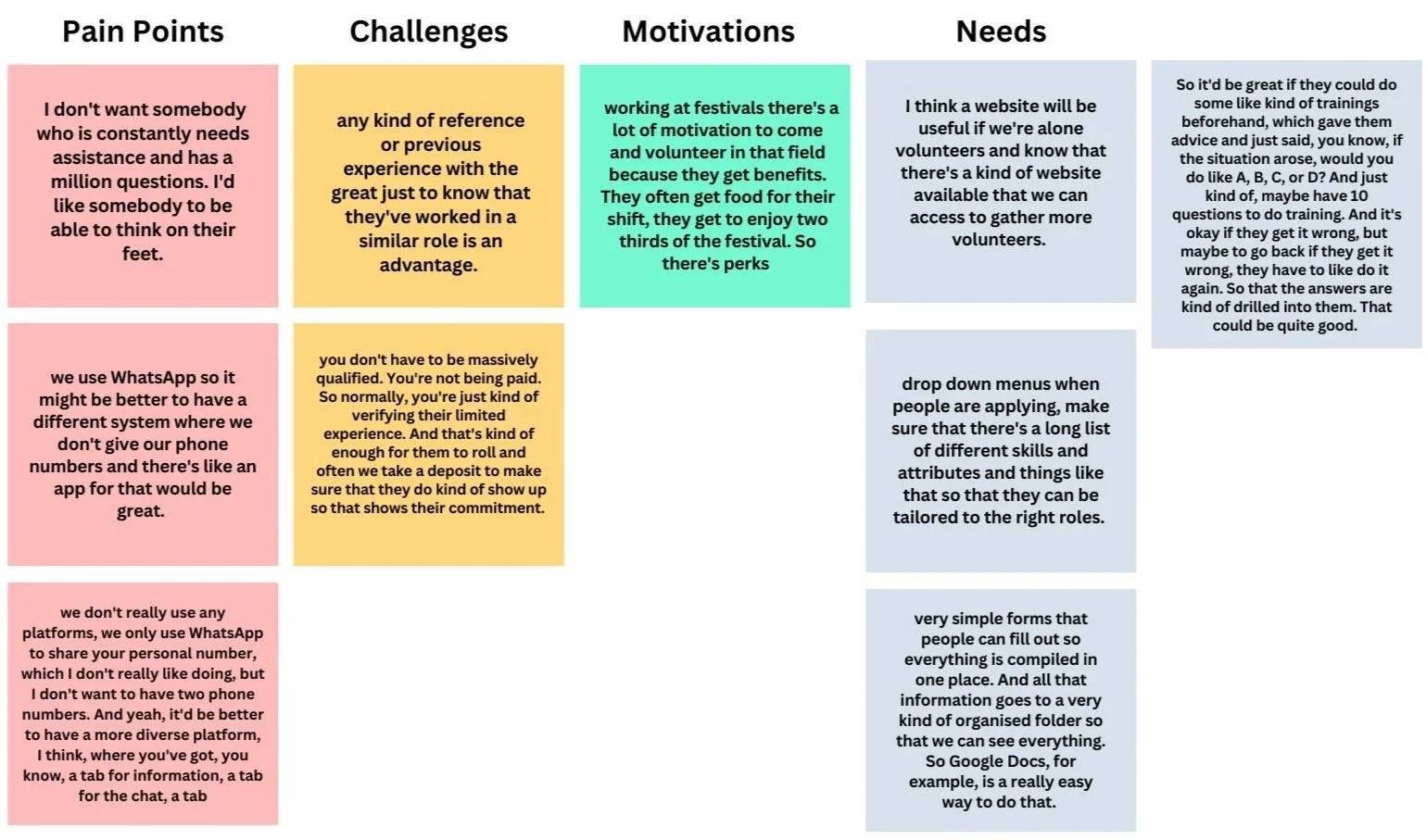
User Interview 1I conducted four interviews with professionals and volunteers to uncover insights into their pain points, challenges, motivations and needs, guiding the design process effectively.
User Interview 2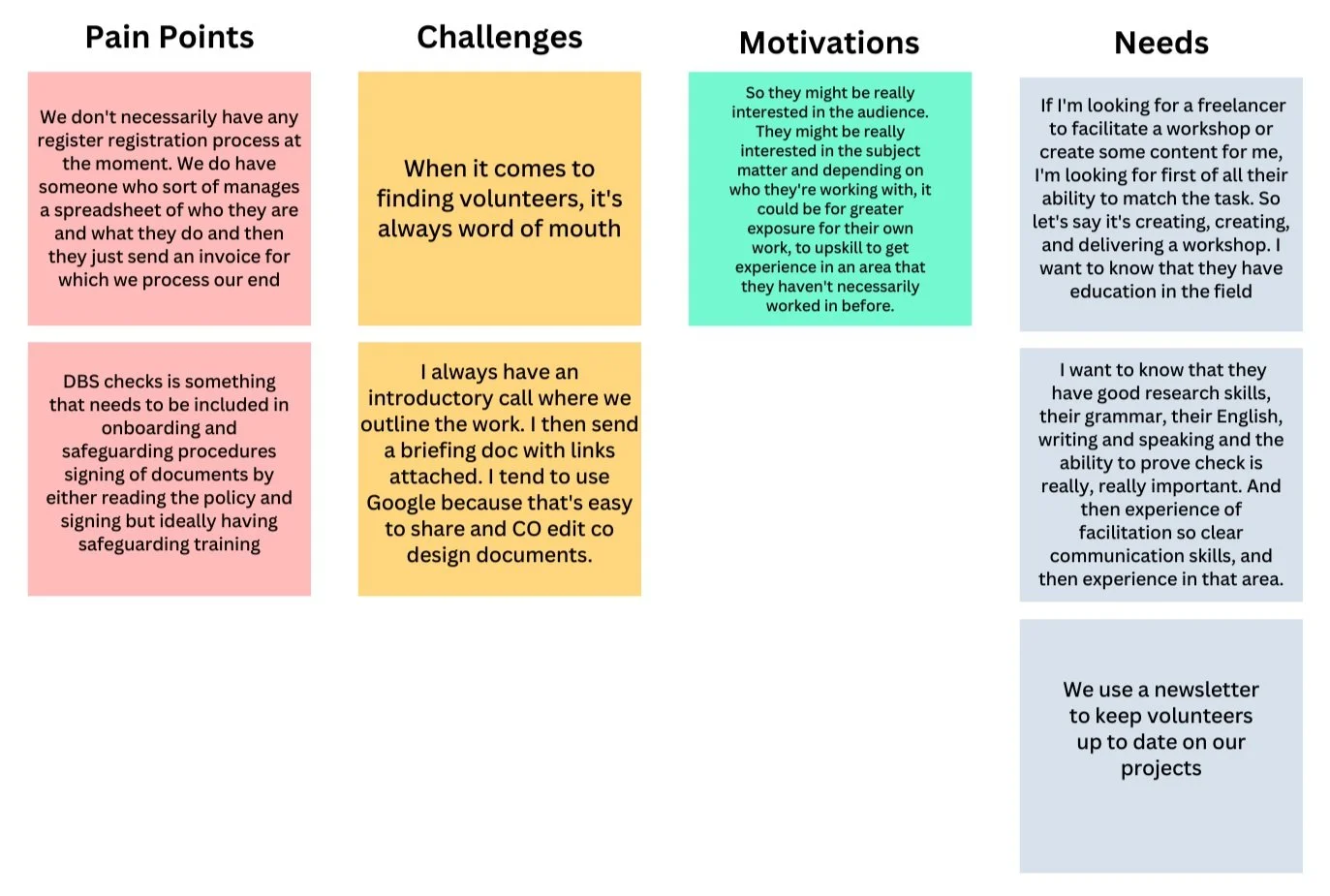
User Interview 3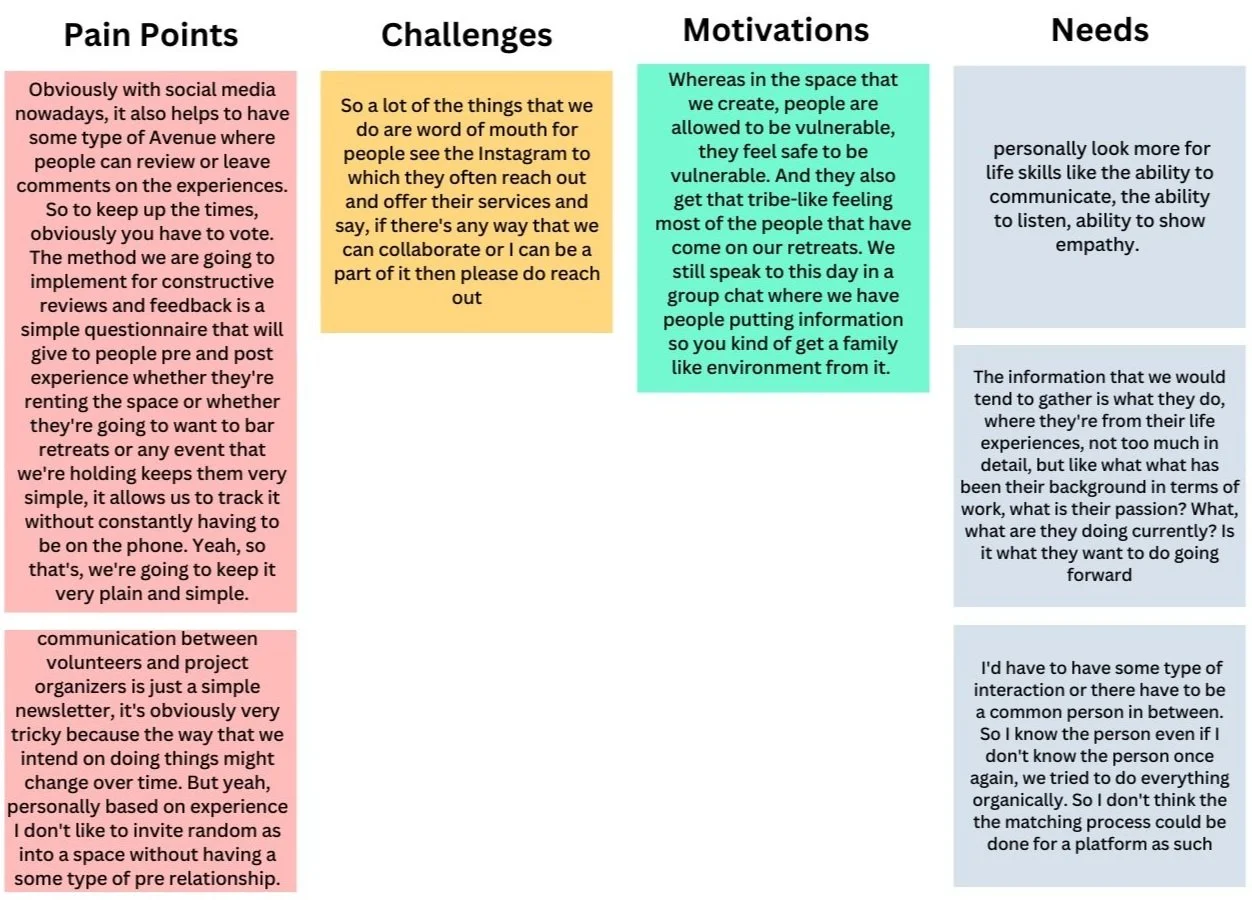
User Interview 4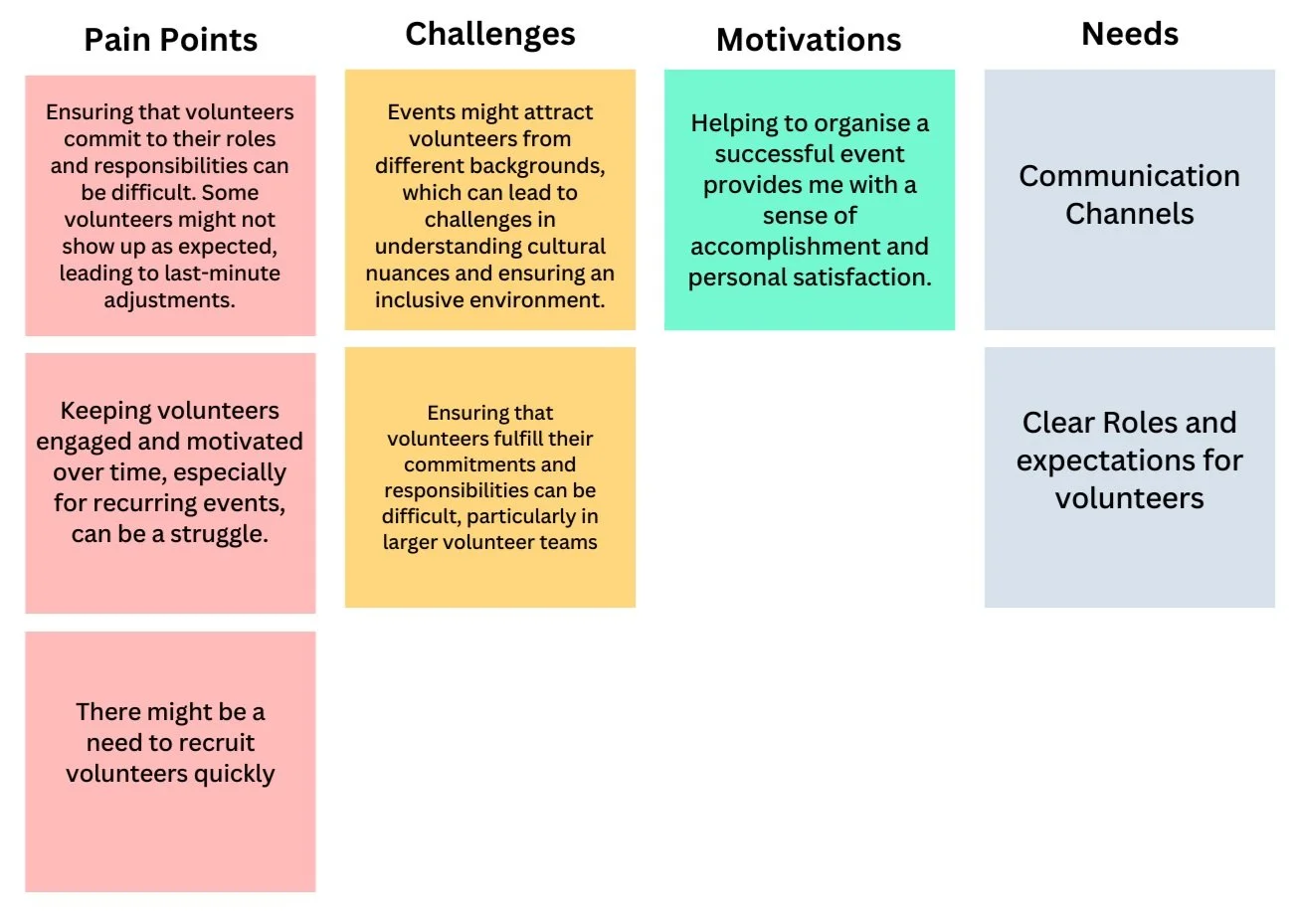
User Insights
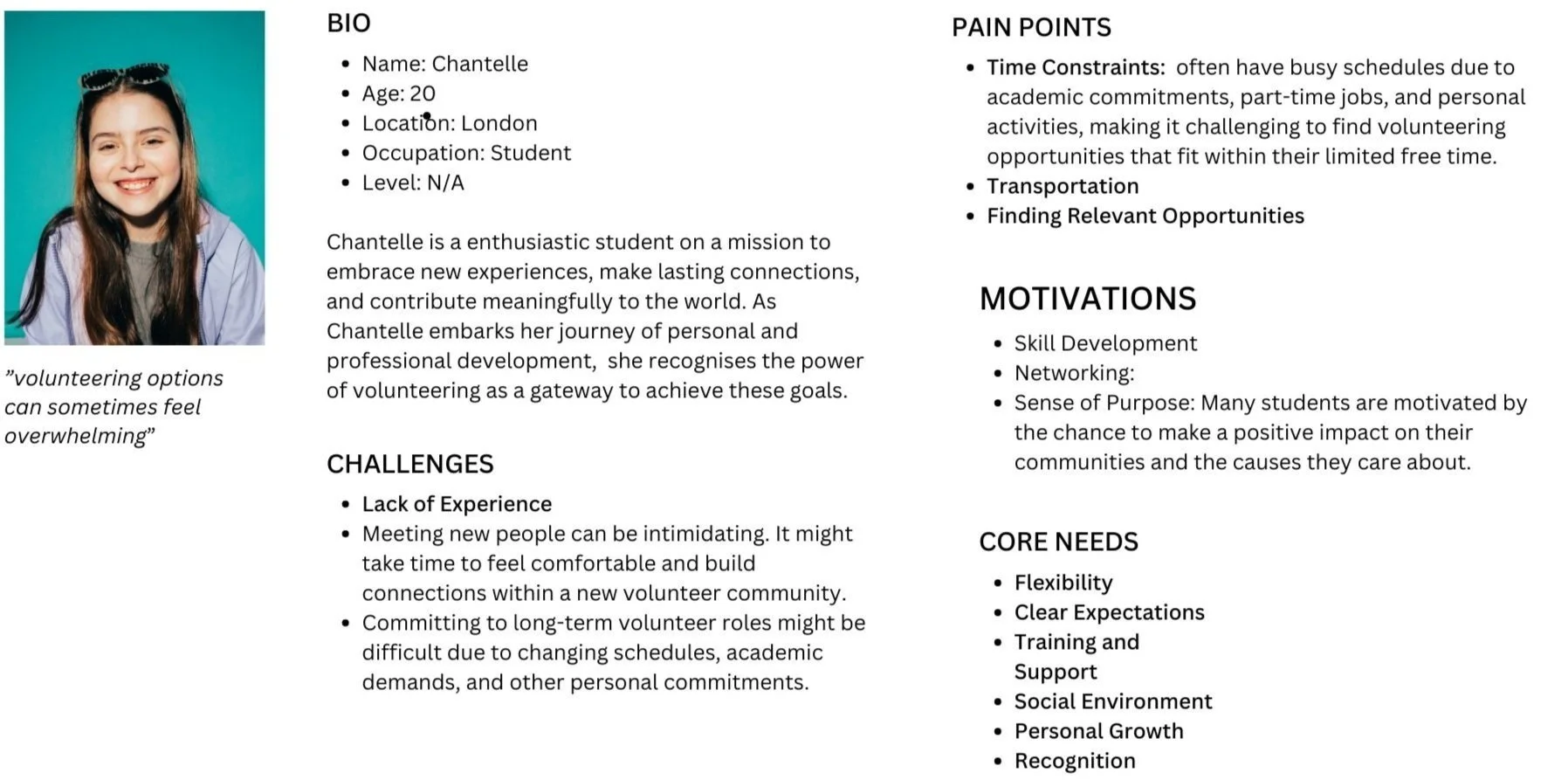
75% of users value streamlined communication. They prefer having one central place to interact with organisers and fellow volunteers. Designing an in-app communication system can greatly enhance the user experience by reducing the need to juggle multiple platforms.To align with organisers' preferences for volunteers with specific skills or references, I need to consider implementing user profiles that allow volunteers to showcase their skills and collect references from past experiences. A accessible profile section can enhance the overall user experience by facilitating better matching with volunteering opportunities.Incentives inspire and encourage volunteers. The app should feature information on available incentives and how users can earn them. This can motivate users to participate more actively and feel rewarded for their contributions.Define
Personas
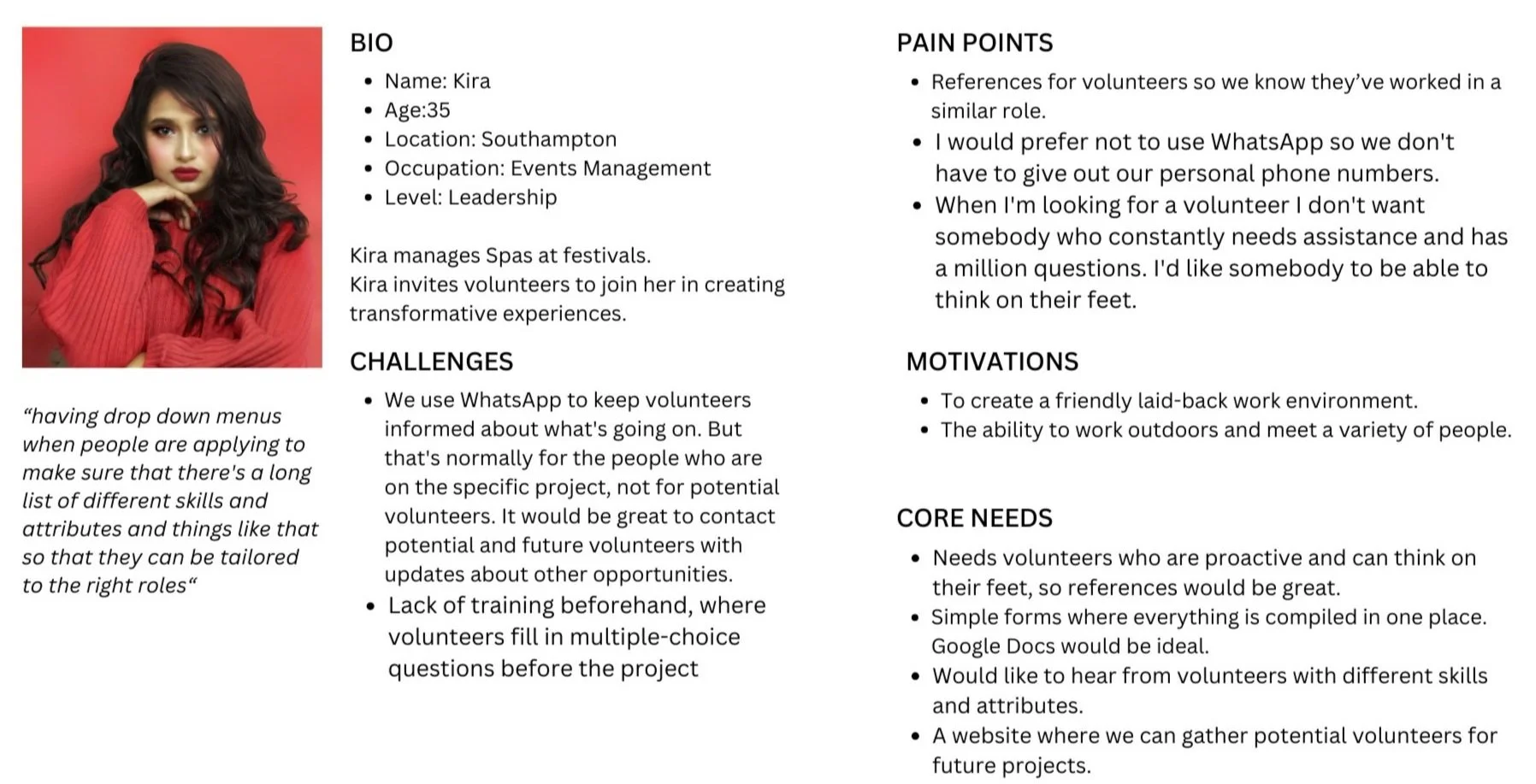
Based on user insights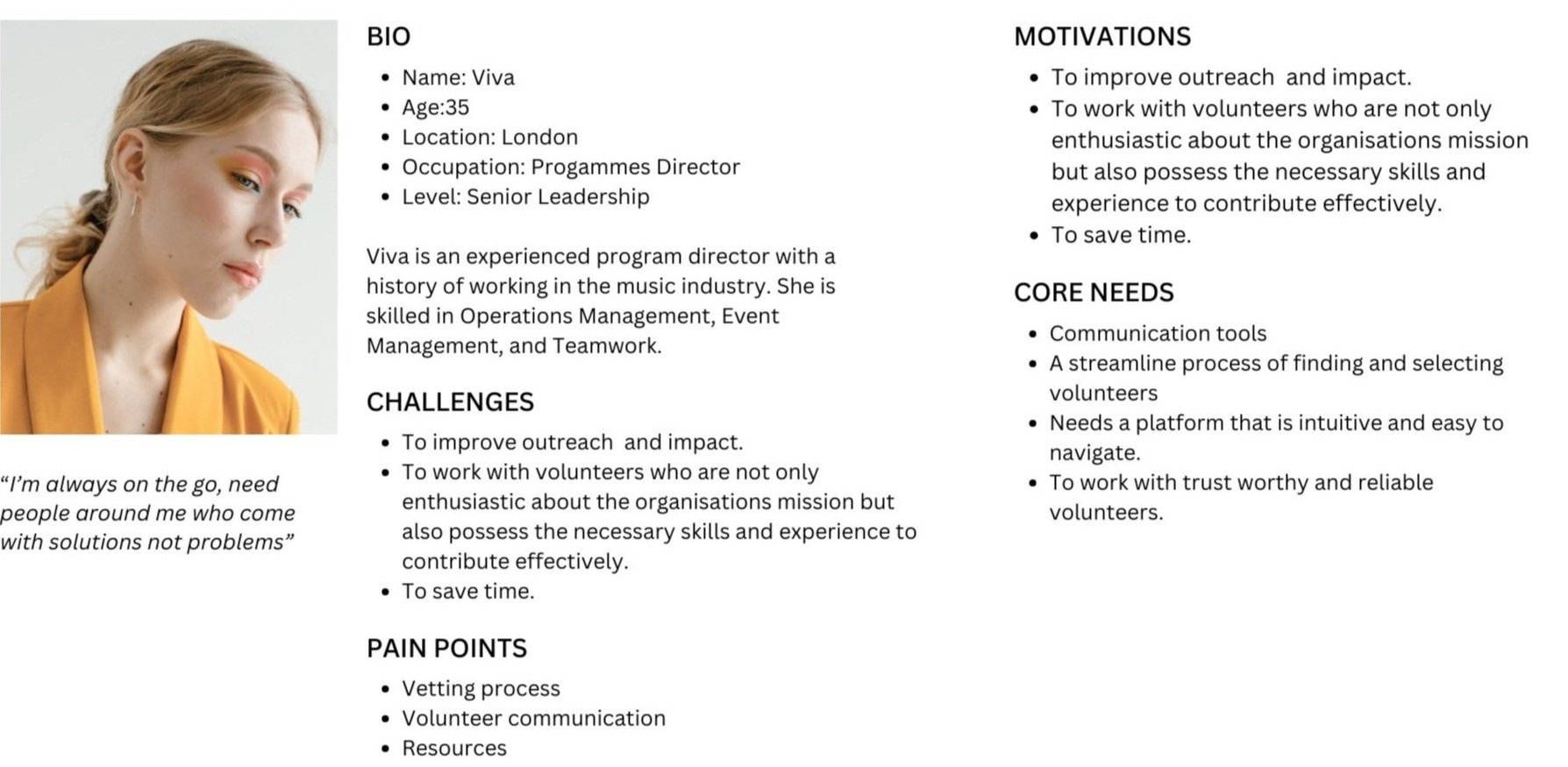
Opportunity For Design
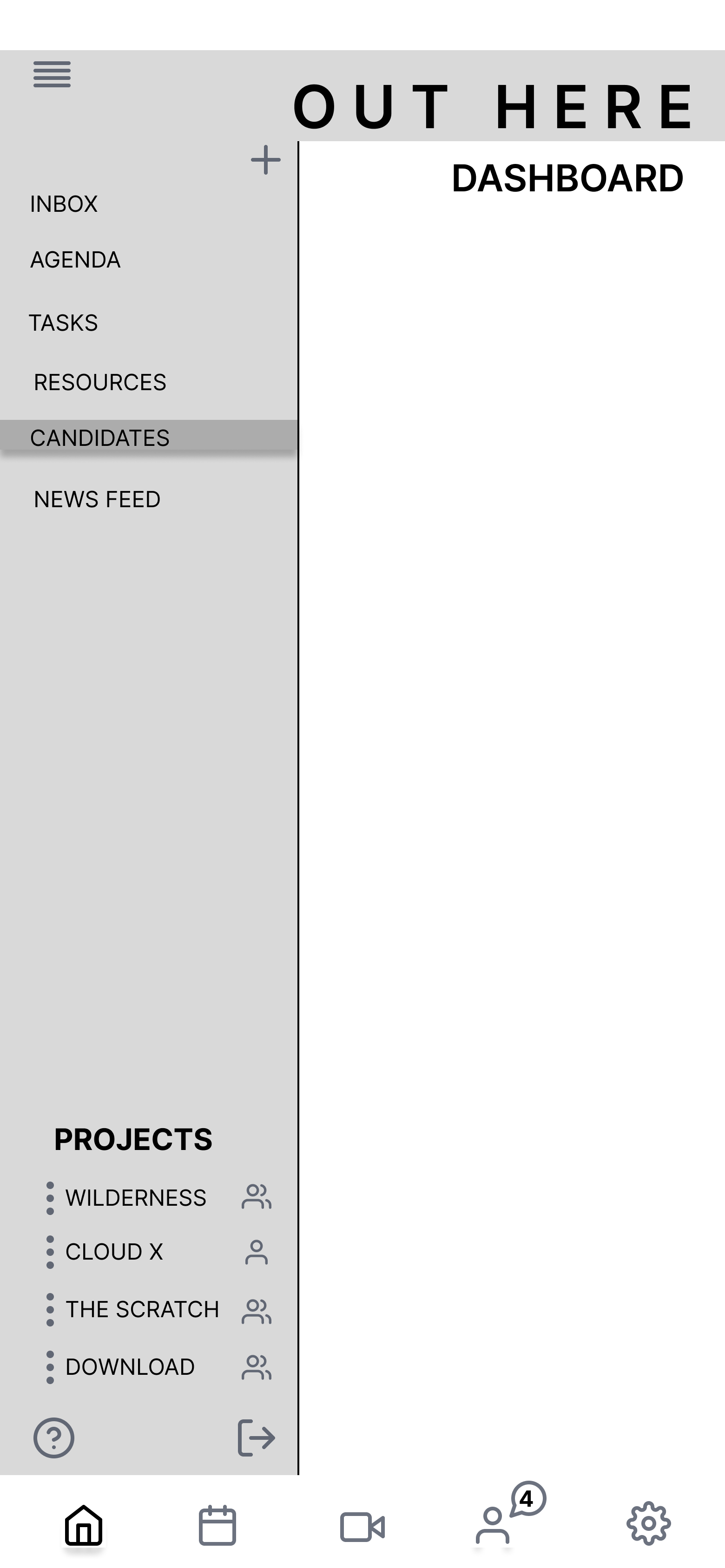
I discovered that the most promising area for design lies within Viva's pain points, specifically the vetting process, volunteer communication, and resource sharing. By focusing on these areas, we can streamline the application process for volunteers and seamlessly integrate it into the organisation's workflow. Additionally, I can identify the specific steps within the process where vetting checks ought to be implemented and figure out the most effective way to notify volunteers about these checks. This holistic approach will ensure a smoother and more efficient experience for both the volunteers and the organisation.
Information Archictecture
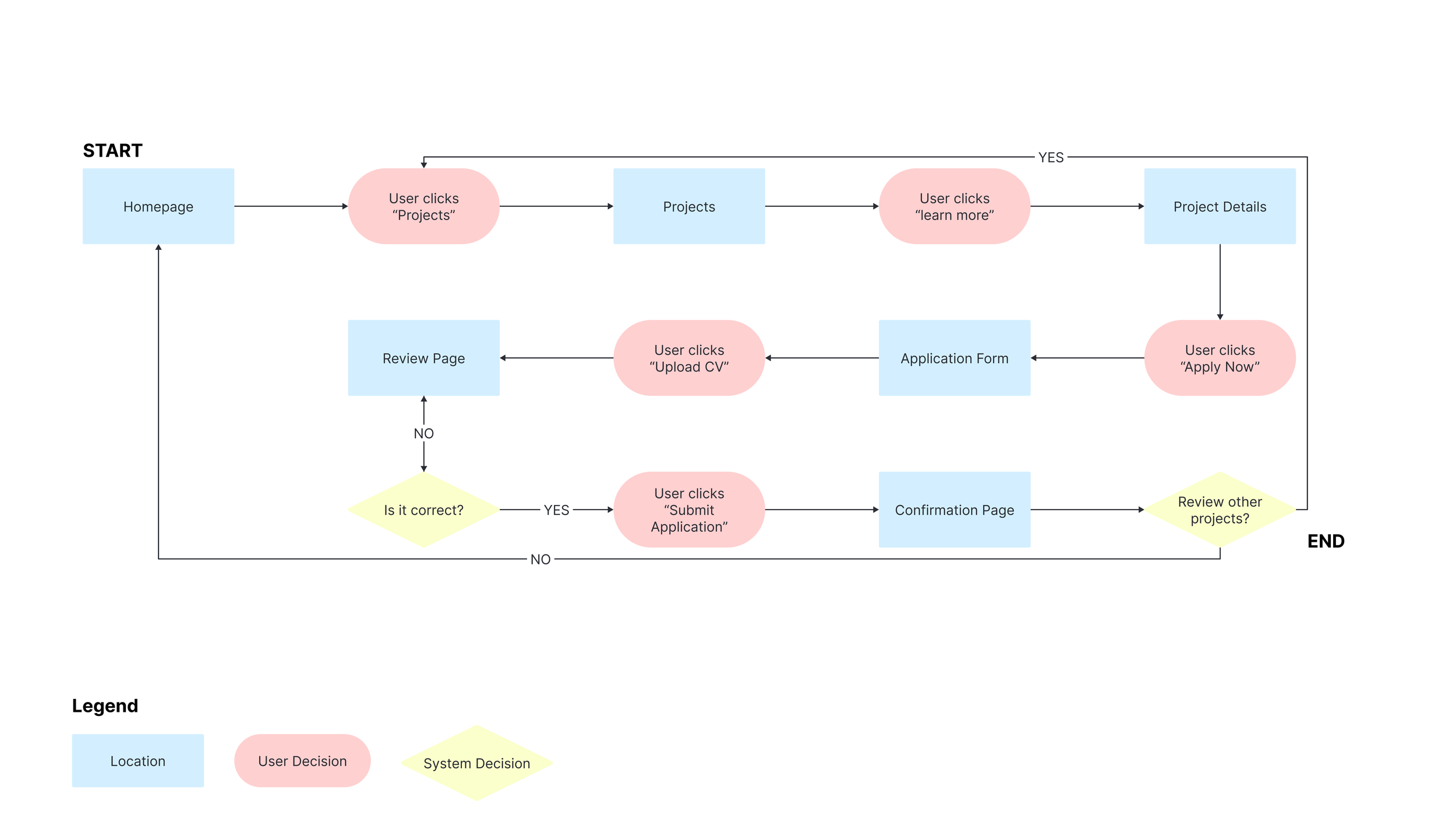
Task Selection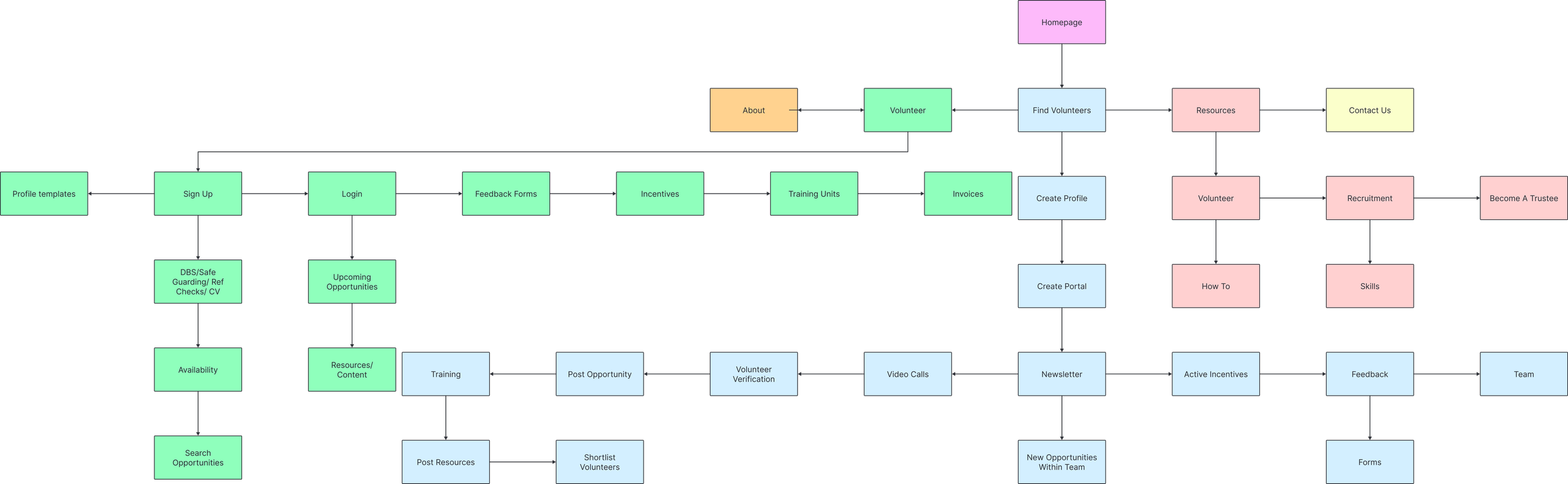
Task Flow
User Flow 1 - Exploring new opportunities
I want to easily discover and explore new opportunities to make a positive impact in my community, so I can continue to grow and contribute to causes that matter to me.
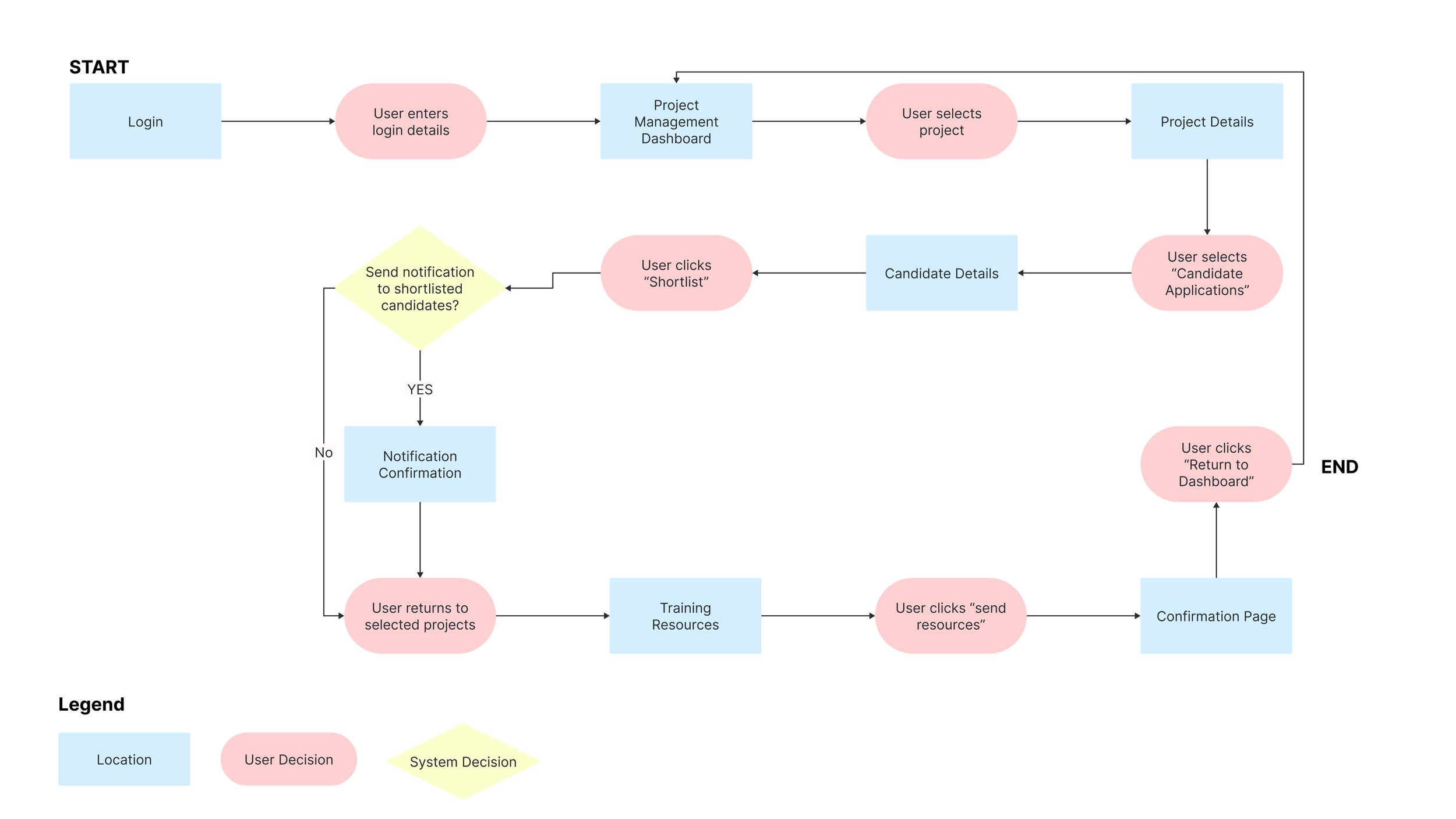
User Flow 2 - Sending training resources
As an organisation, we need a user-friendly platform to efficiently send and track our training resources to remote learners across diverse locations.
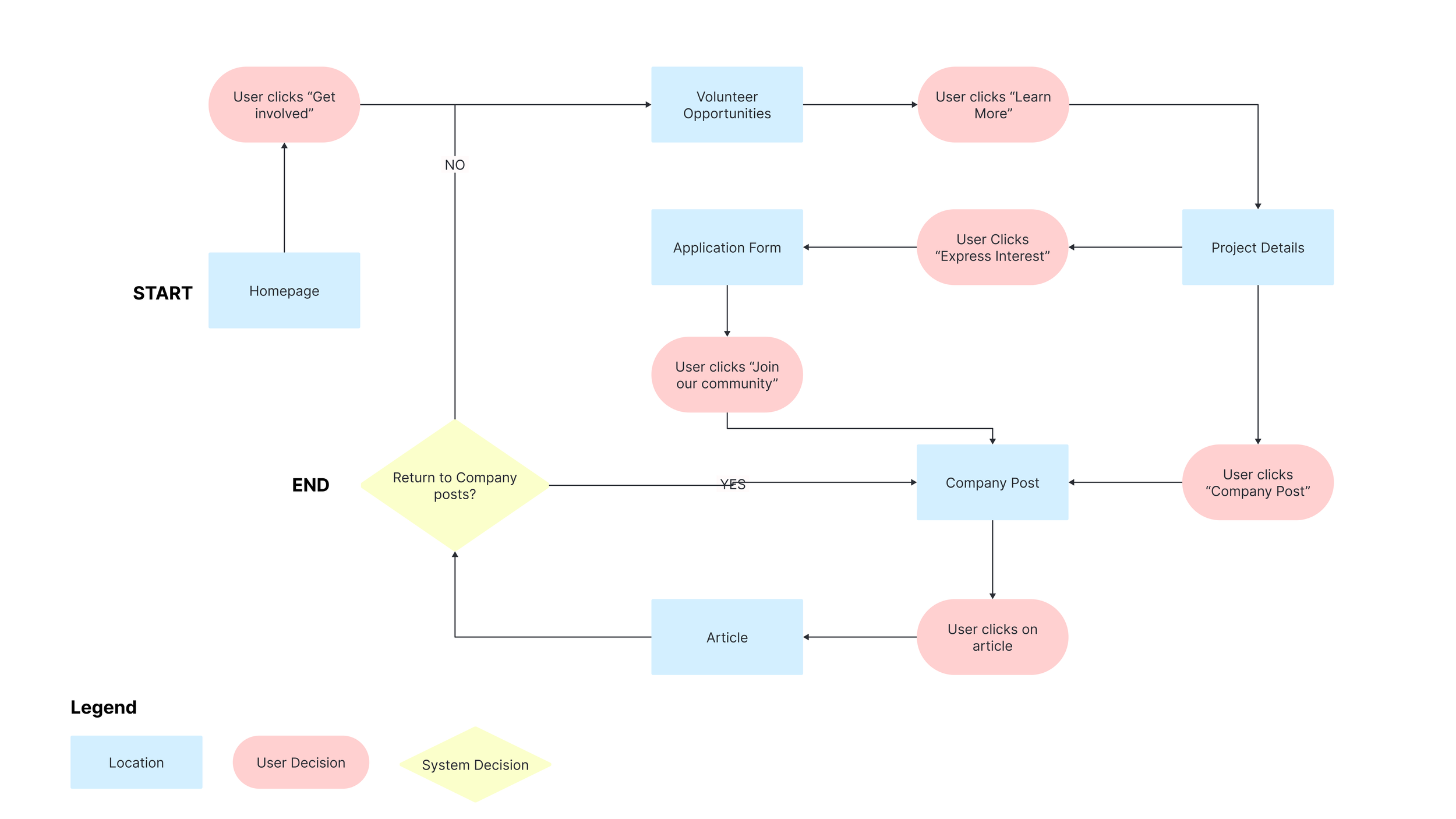
User Flow 3 - Volunteer seeking new opportunities
As a dedicated volunteer seeking new opportunities, I want to easily discover and connect with organisations that align with my passion and skills, so I can make a meaningful impact on causes I care about.
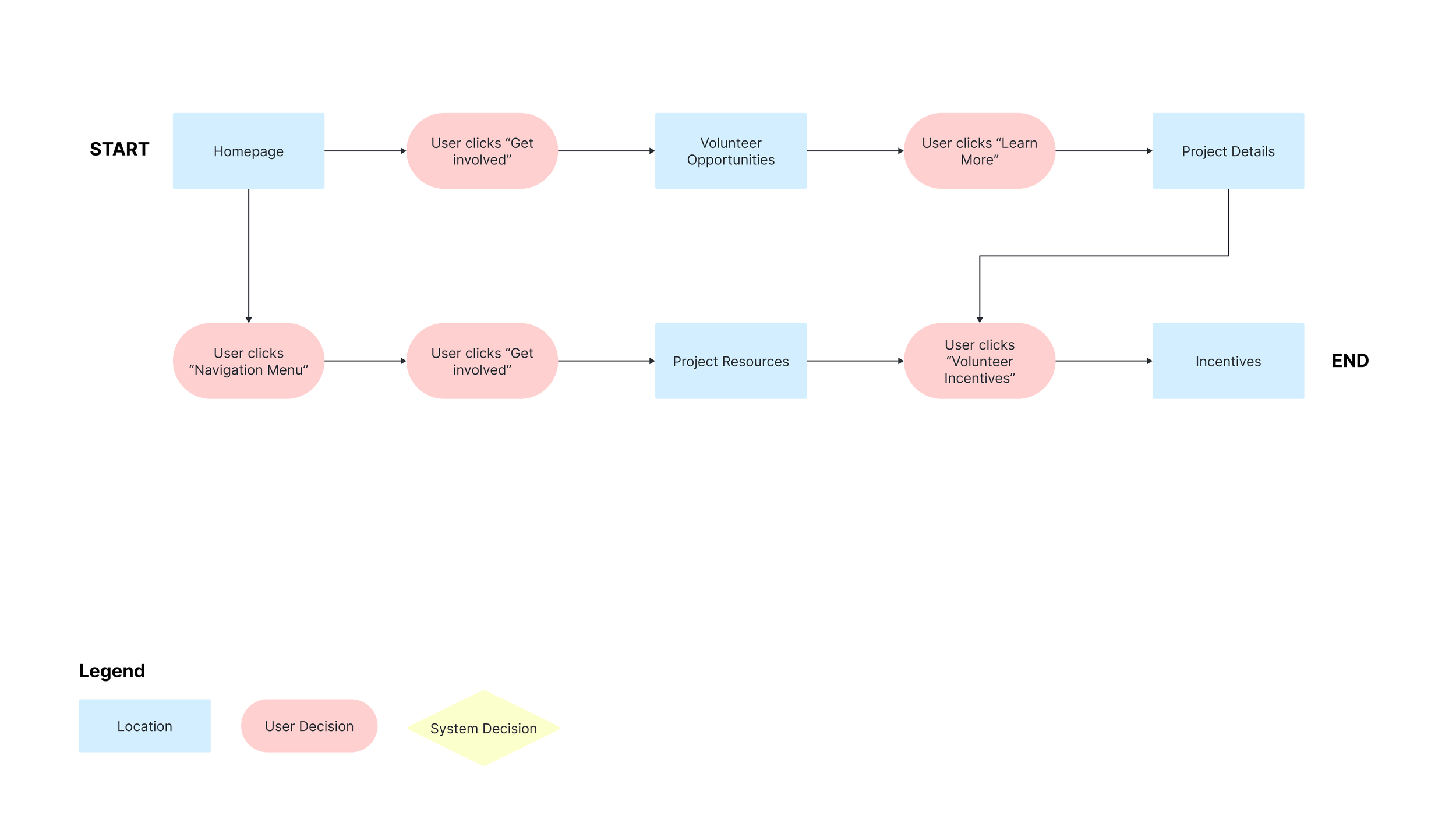
User Flow 4 - Volunteer benefits
I want access to meaningful benefits and rewards in recognition of my contributions to make my volunteering experience even more fulfilling.
Develop
Sketches
Based on user flows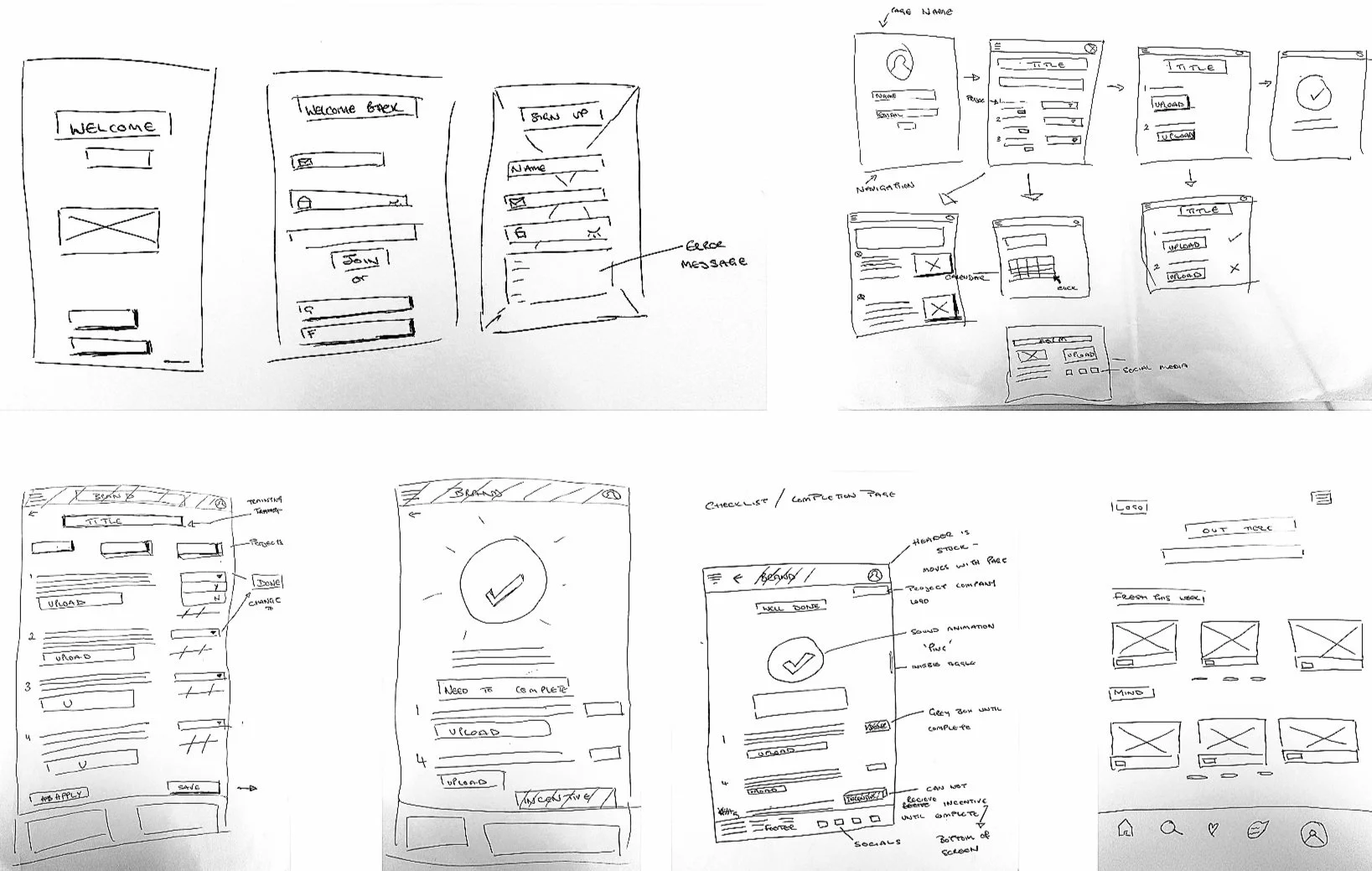
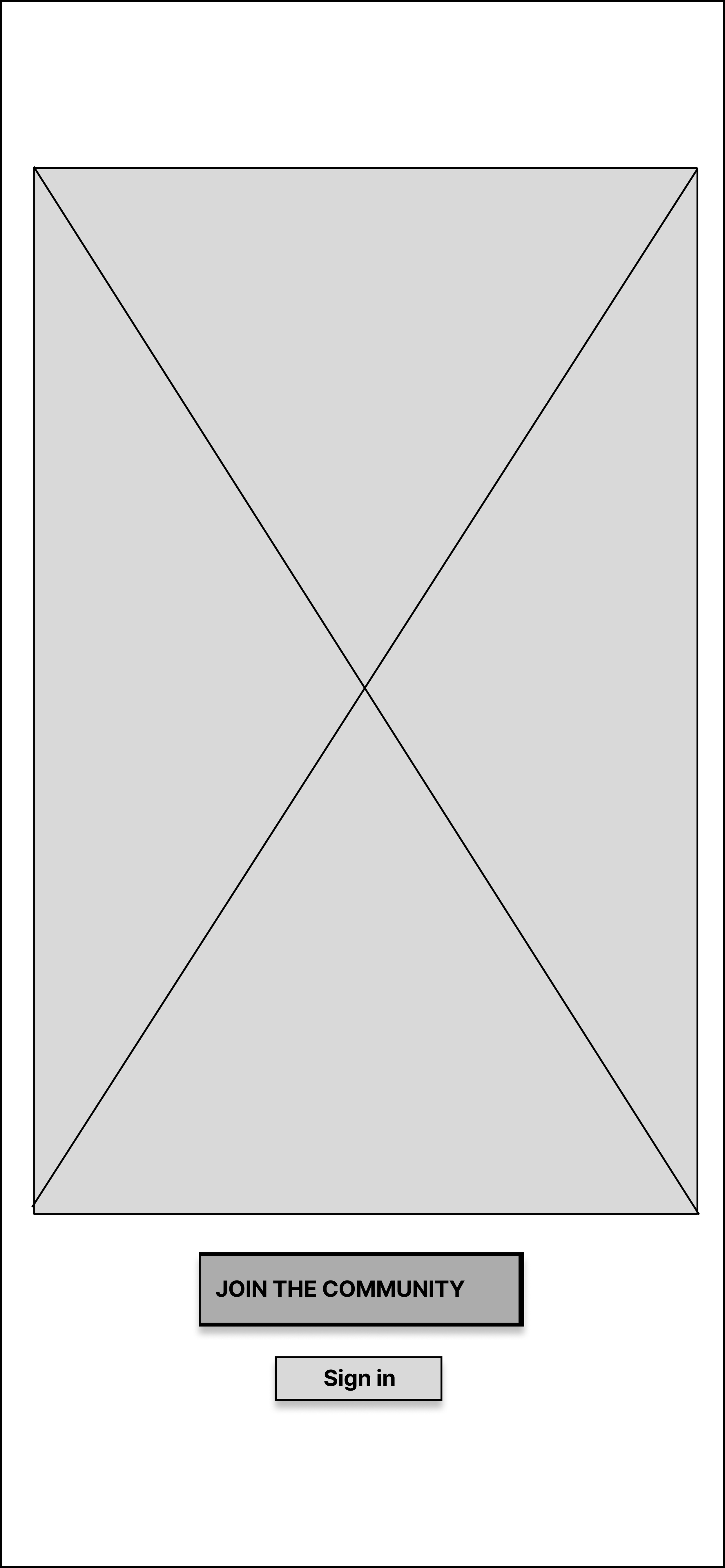
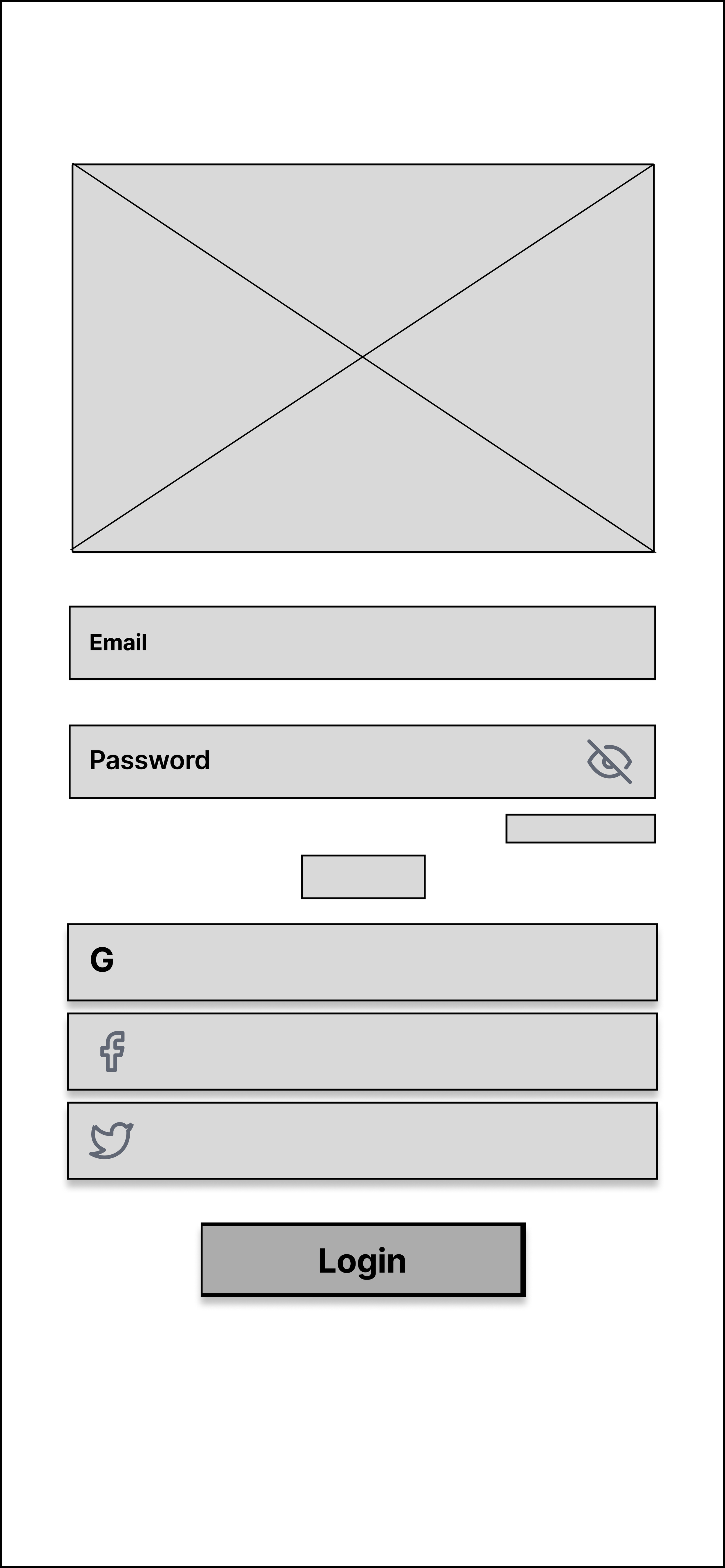
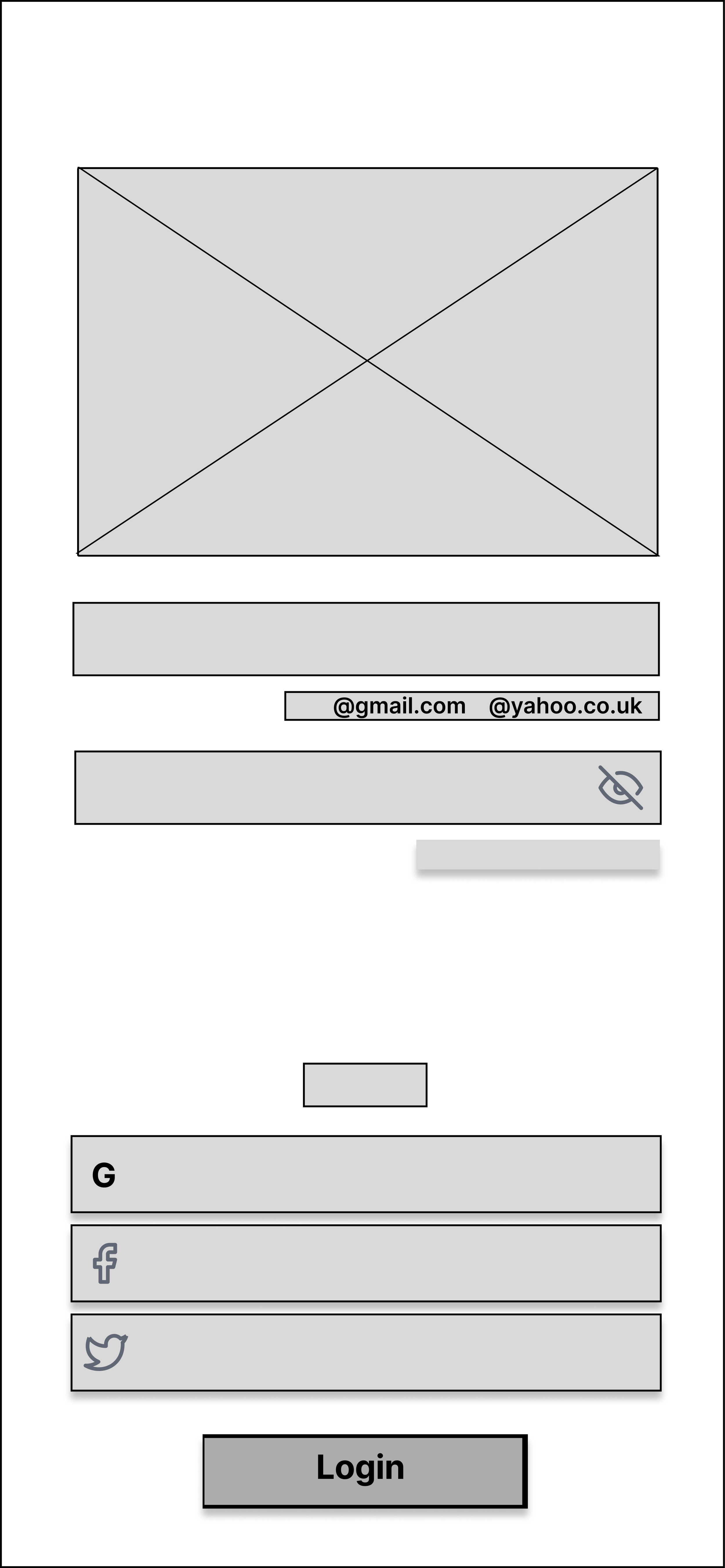
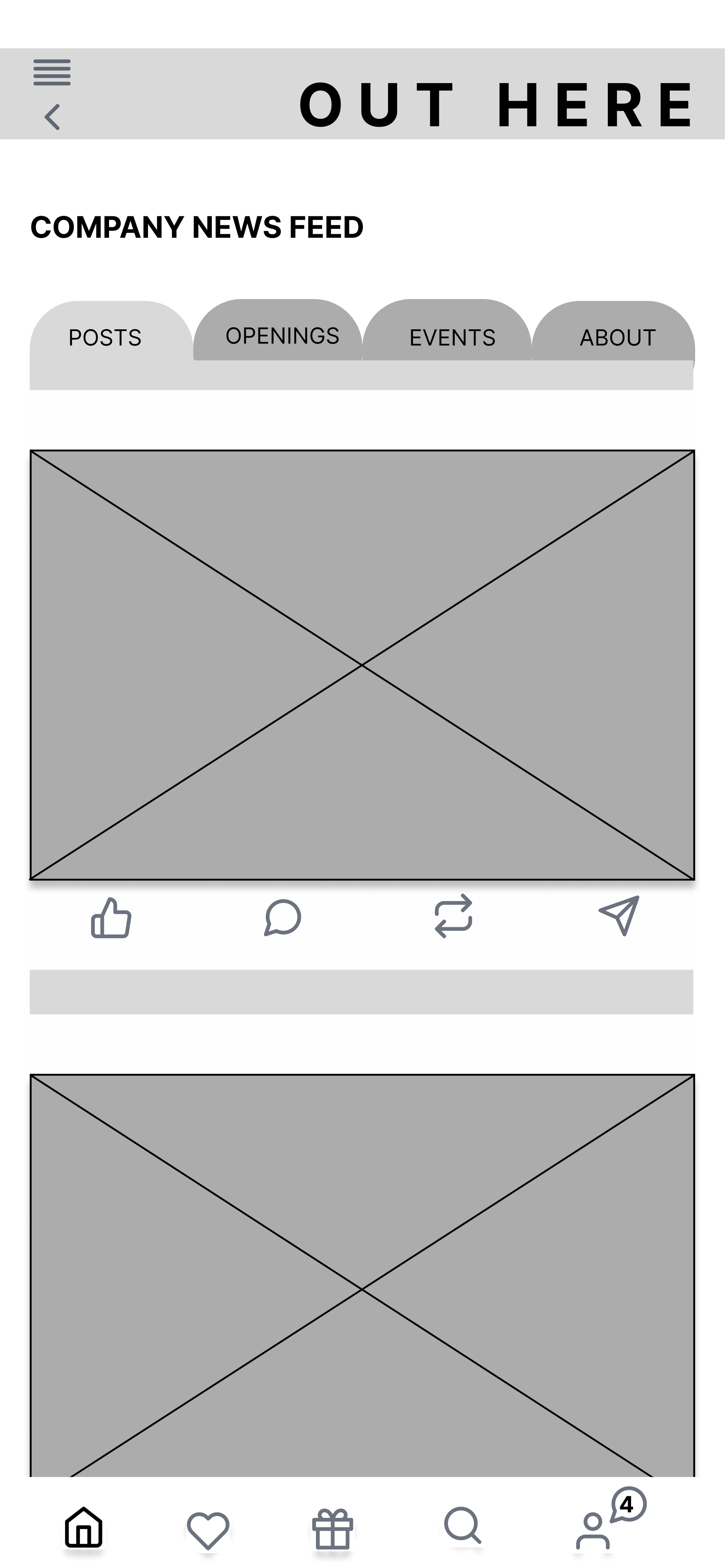
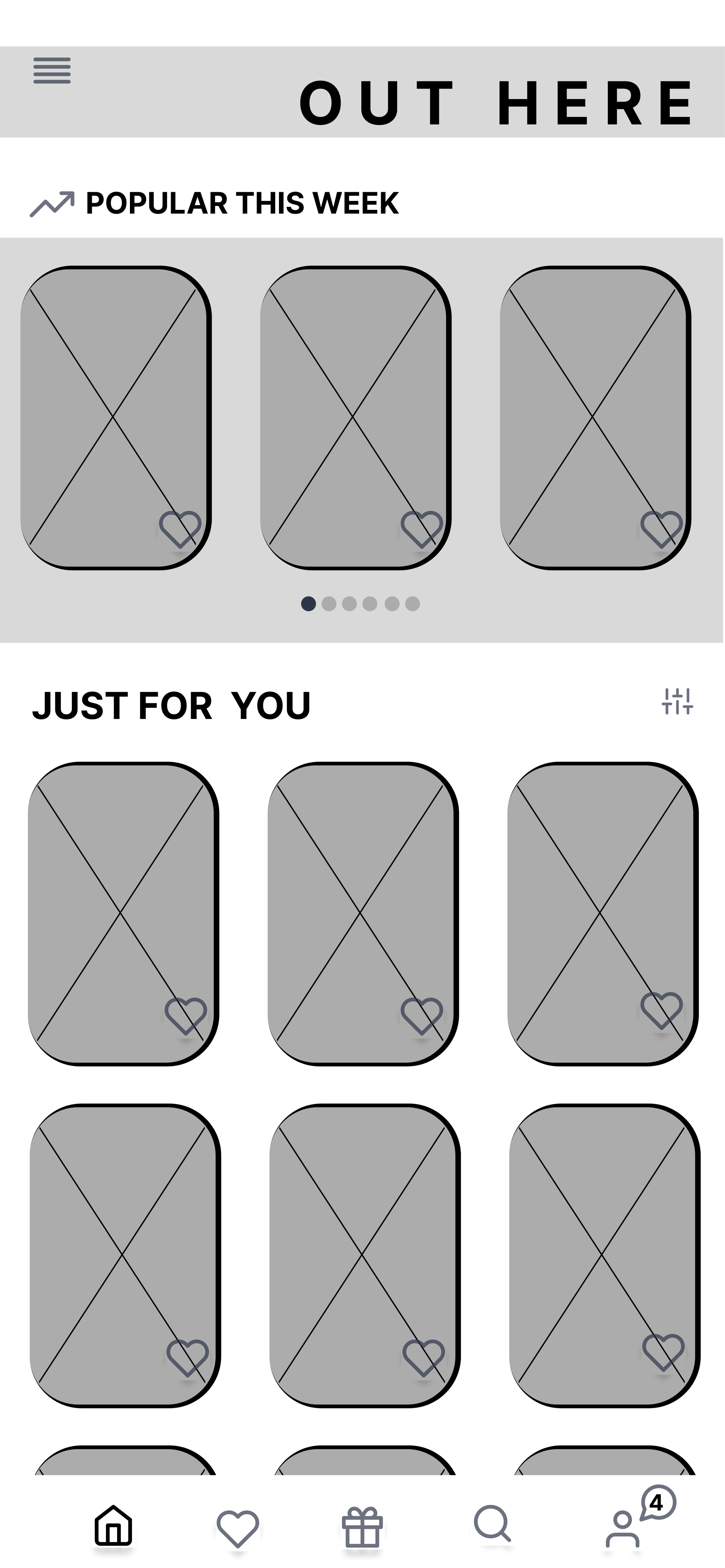
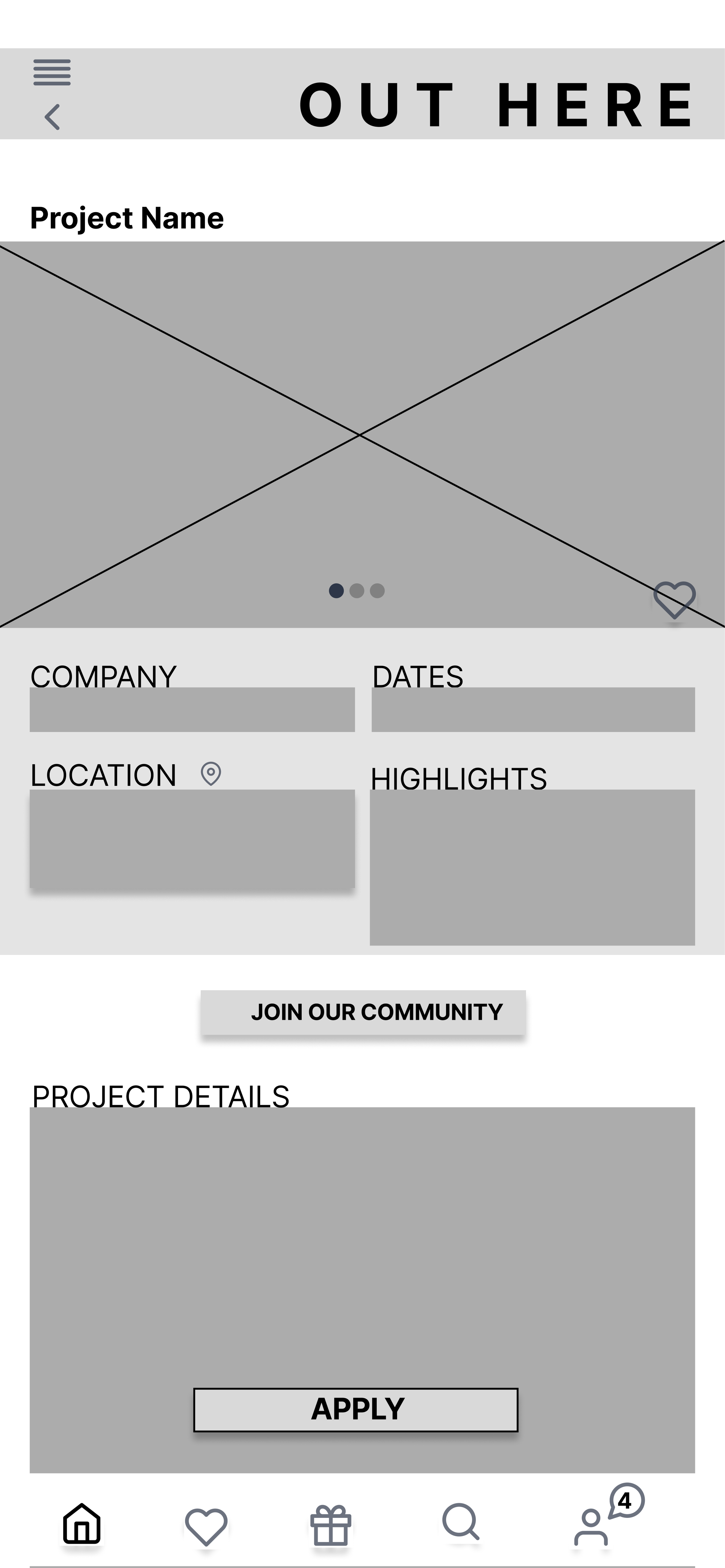
Wireframes Version 1
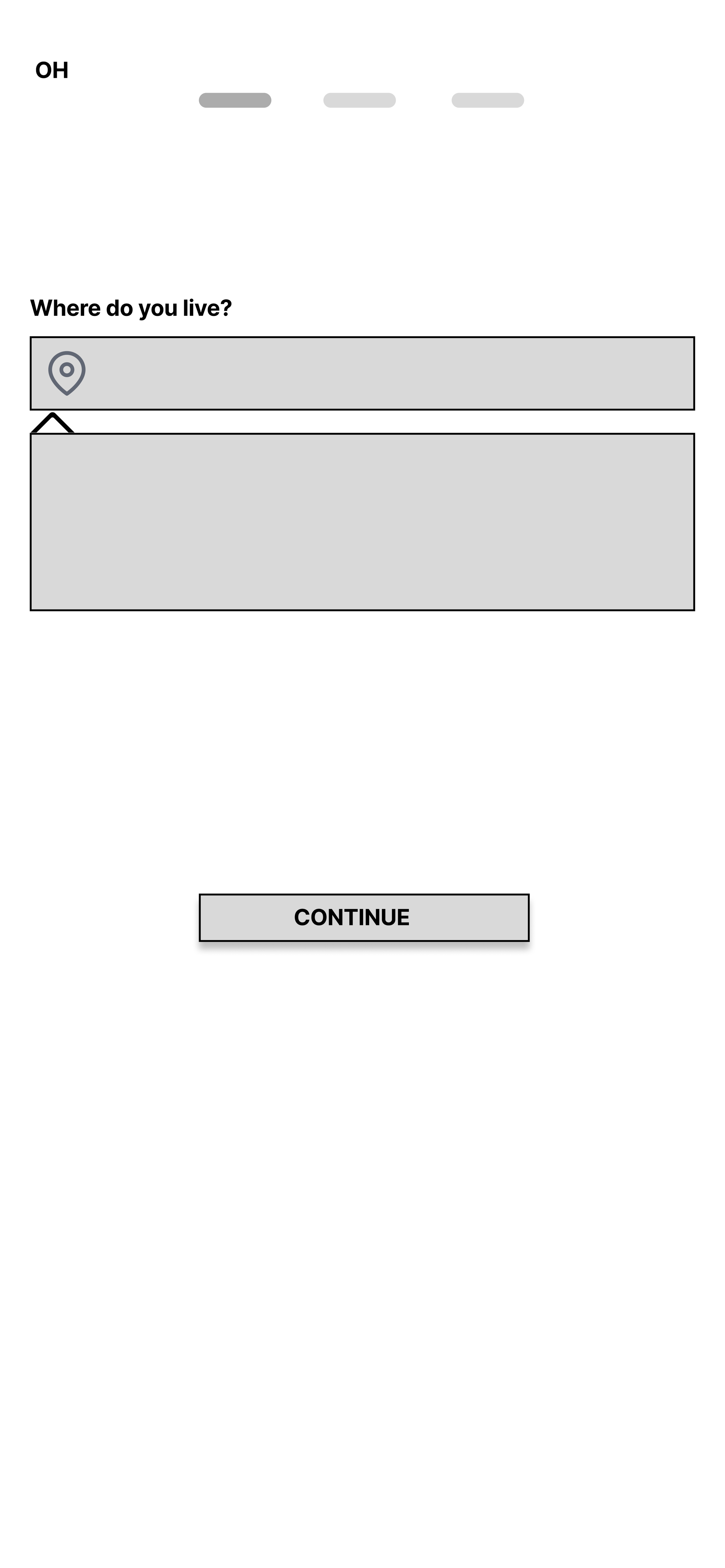
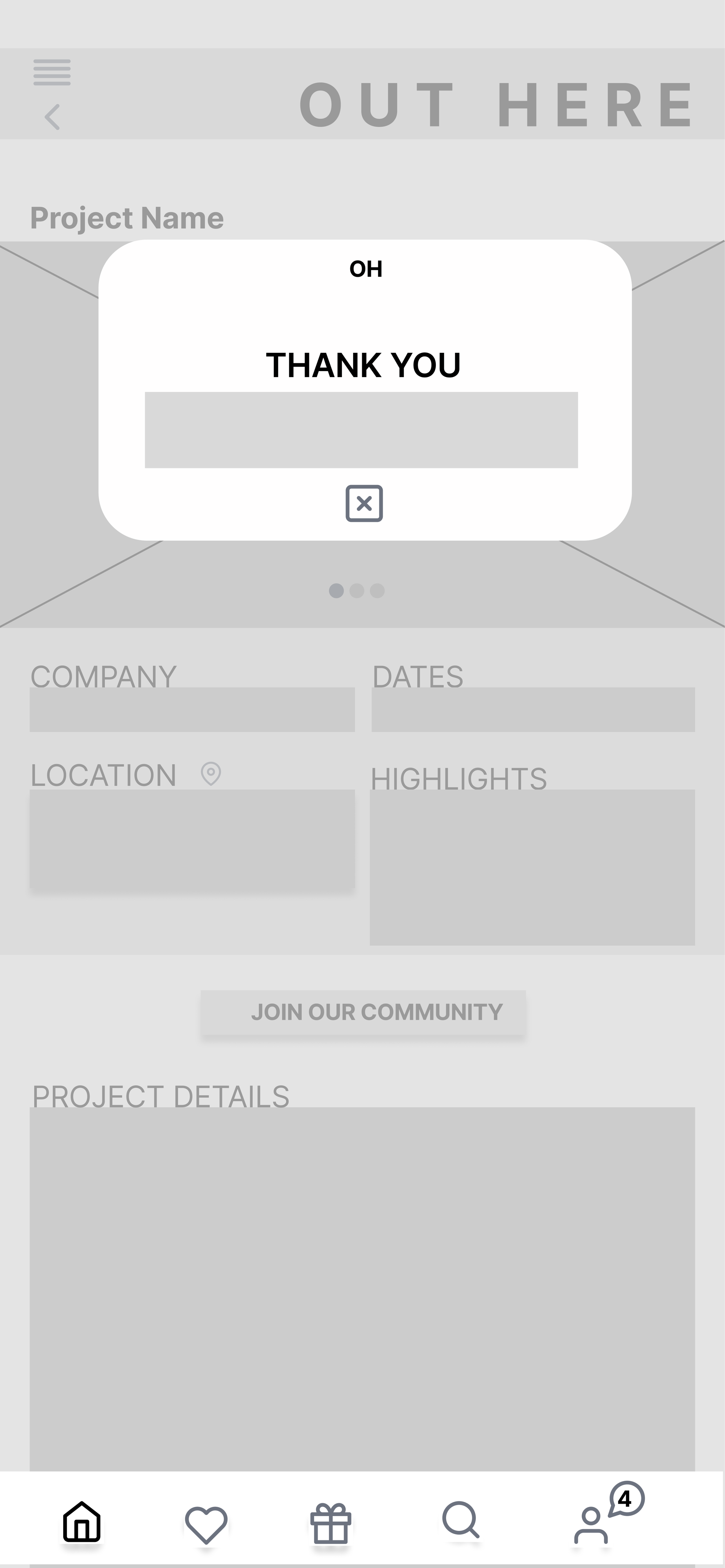
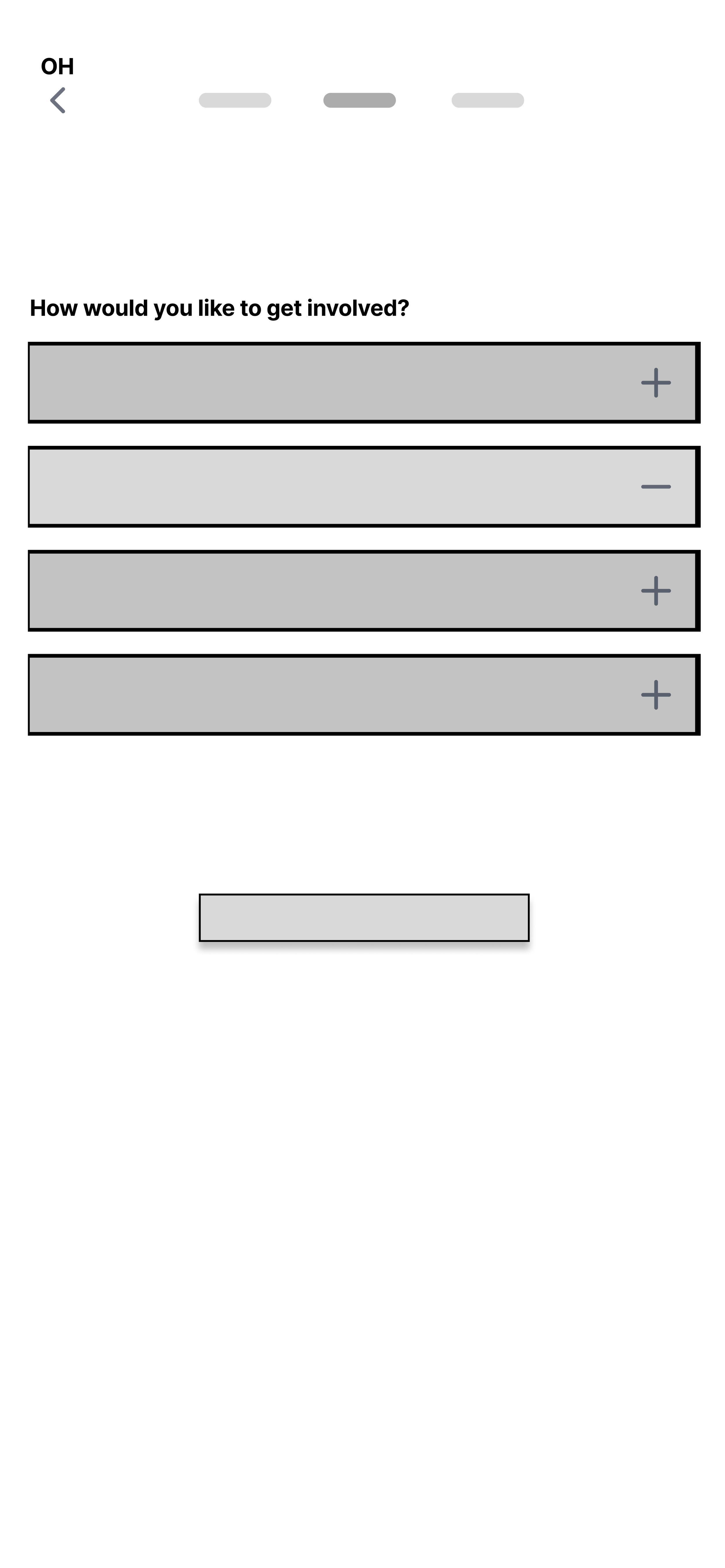
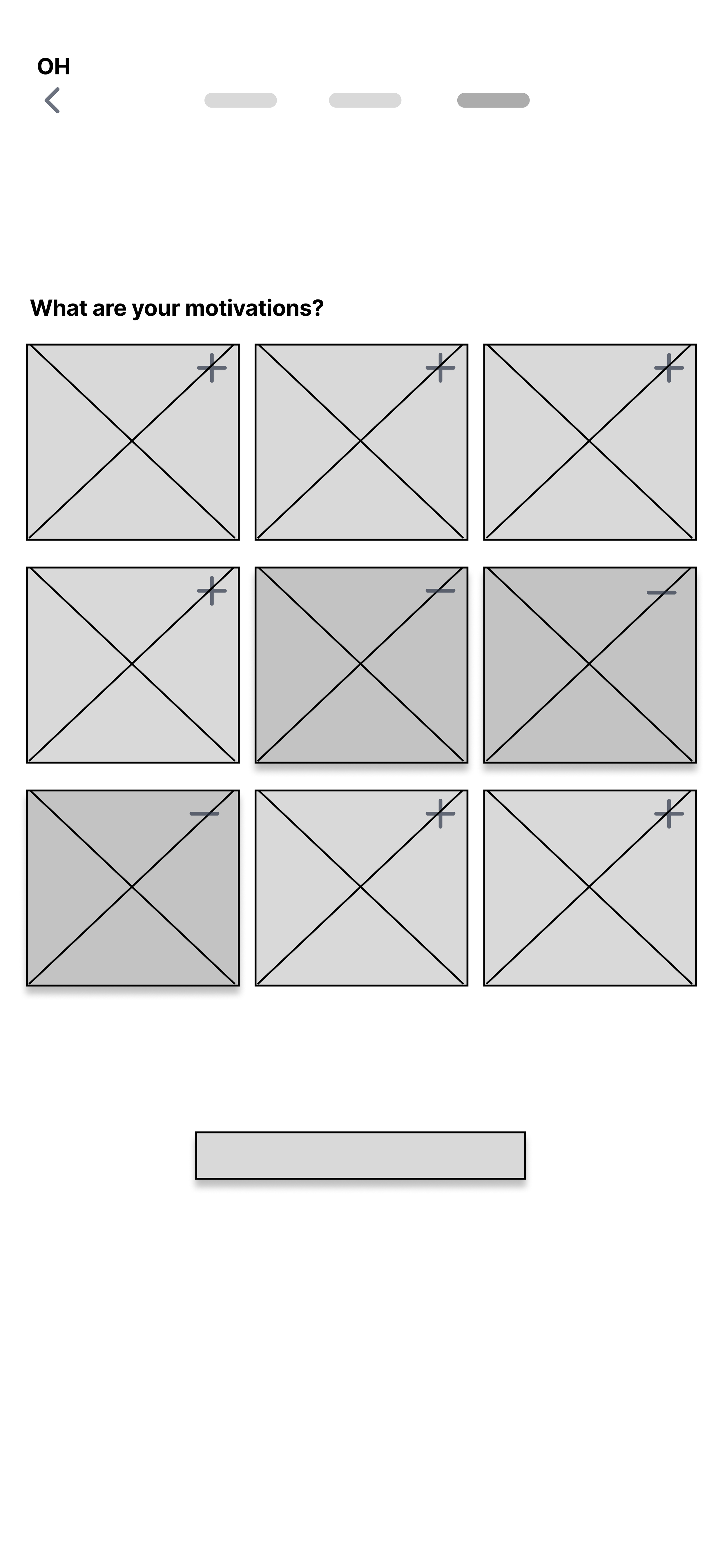
Usability testing
Wireframe version 1Goals & Objectives
To evaluate aaumptions and desihn decisions of the v1 app prototype.
To test the overall usability of the design, identifying areas of success and areas for improvement.
Tasks
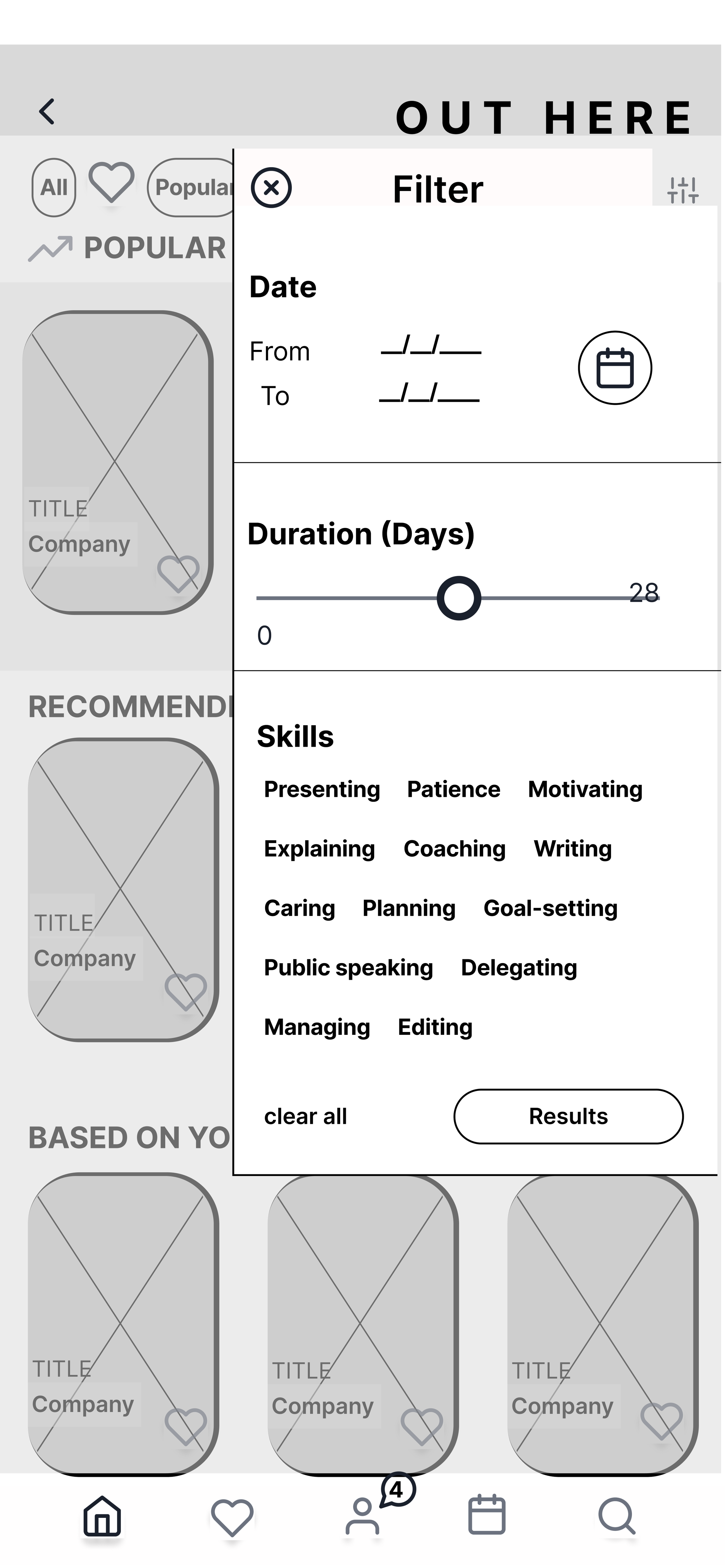
Find a volunteering opportunity
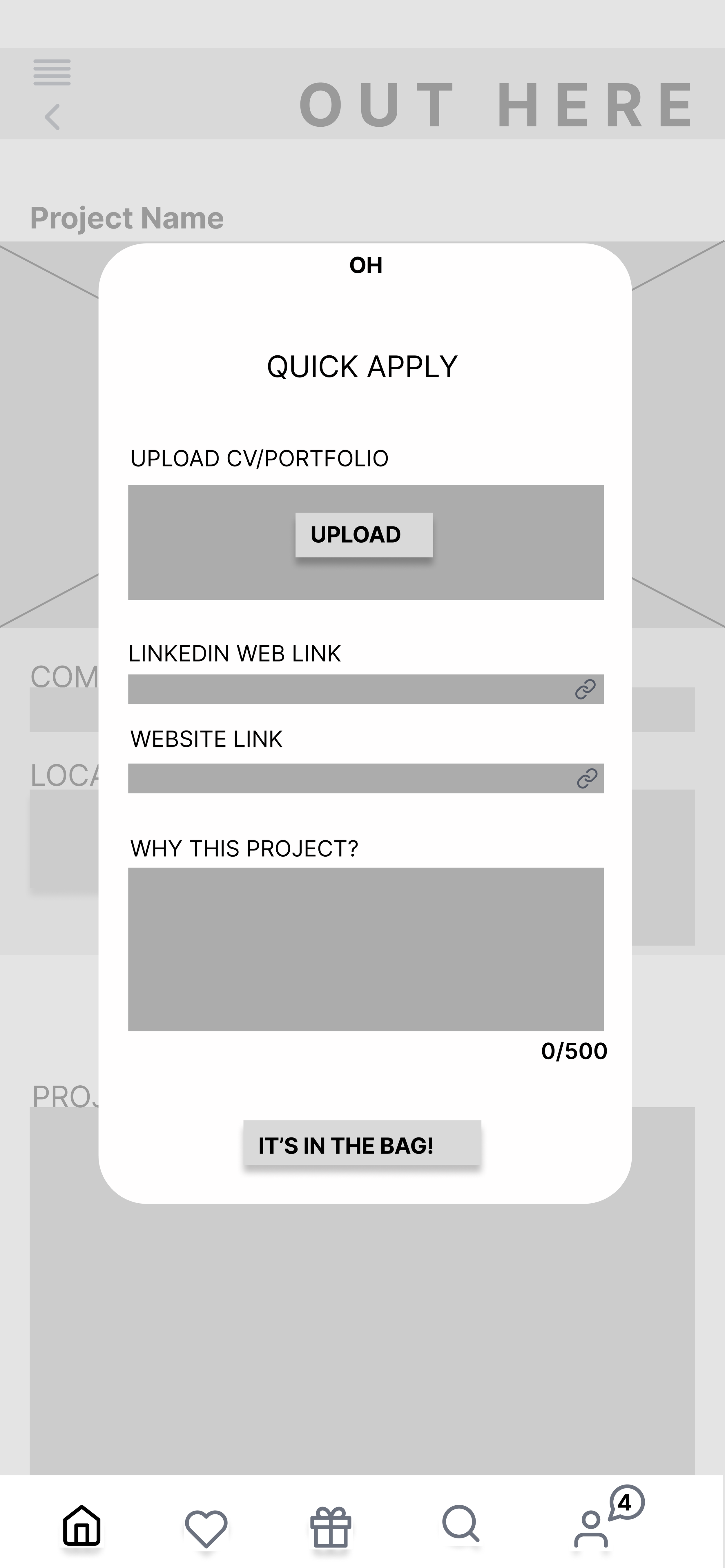
Apply for the opportunity
Navigate to the company news feed
Changes based on usability testing
Comments made by users“I would typically sign up with my email which would be much quicker”
“Sign up process could be quicker”
“The wording is confusing, not sure how to find the newsletter”
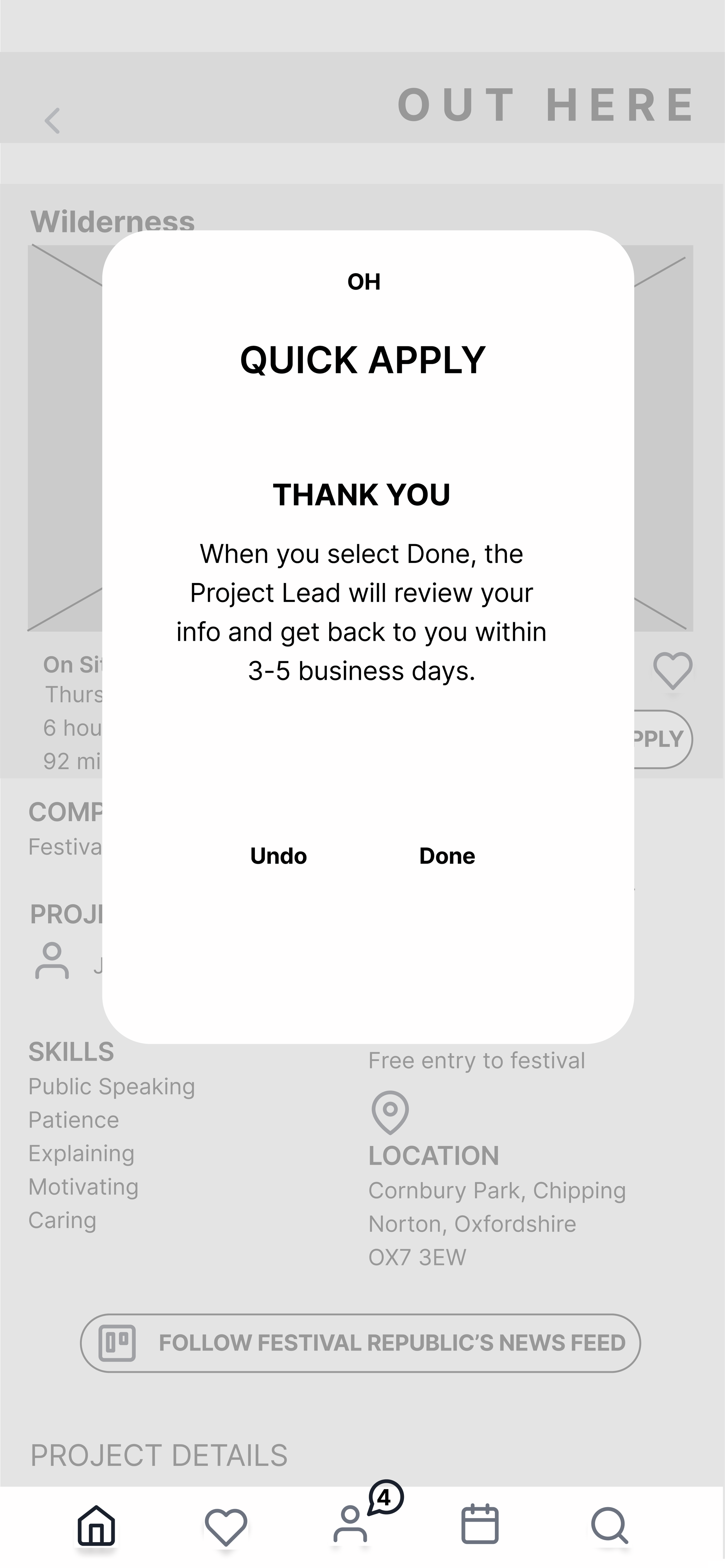
“Quick Apply should pull information from the profile page to make this process quicker. Unable to undo or close window”
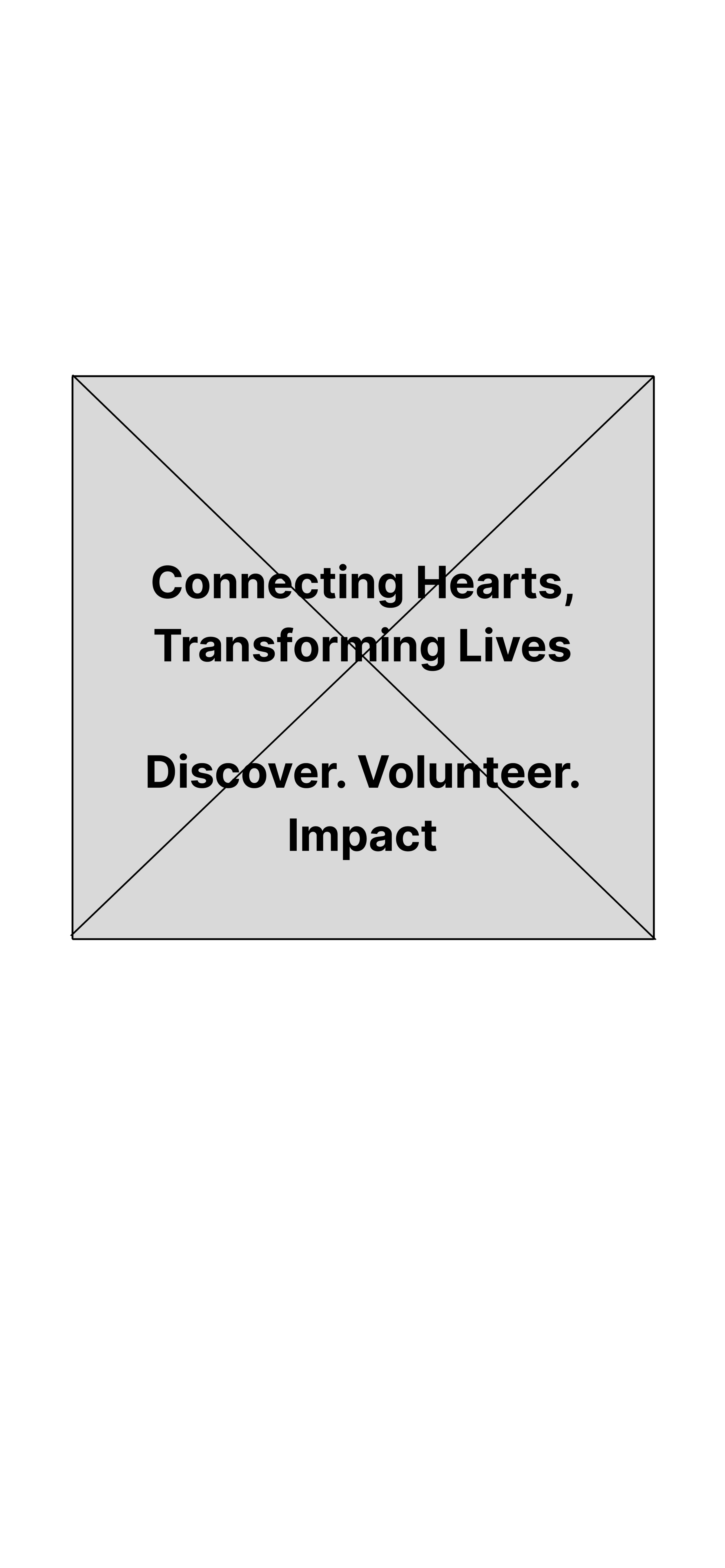
Wireframes version 2
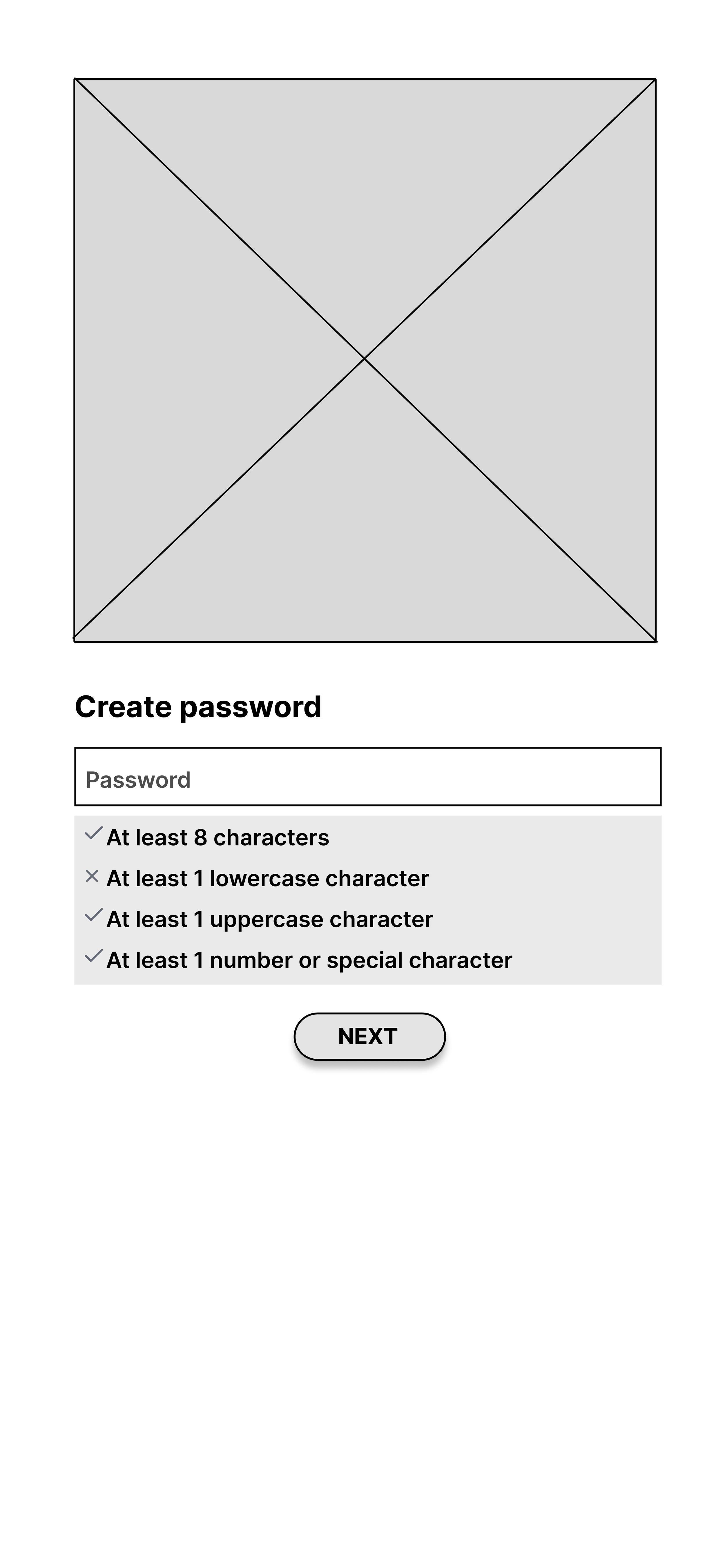
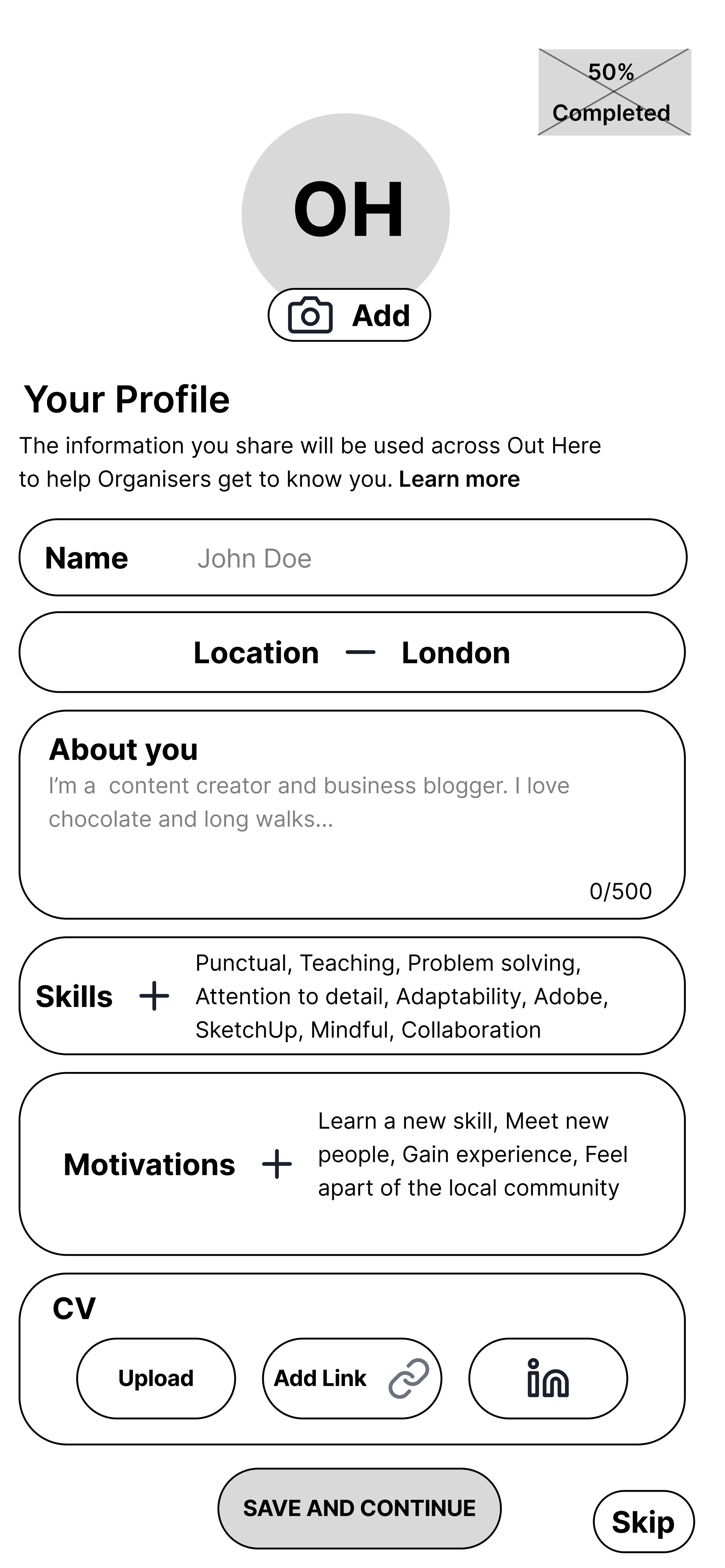
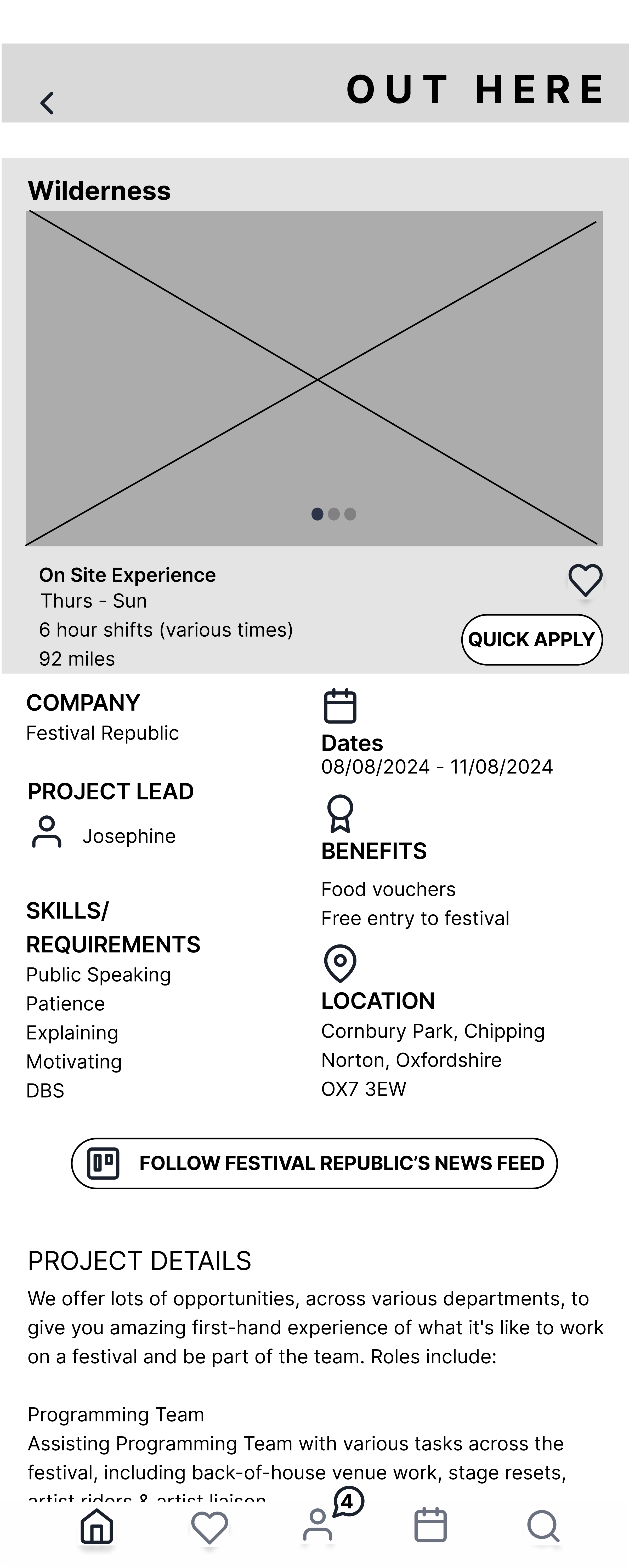
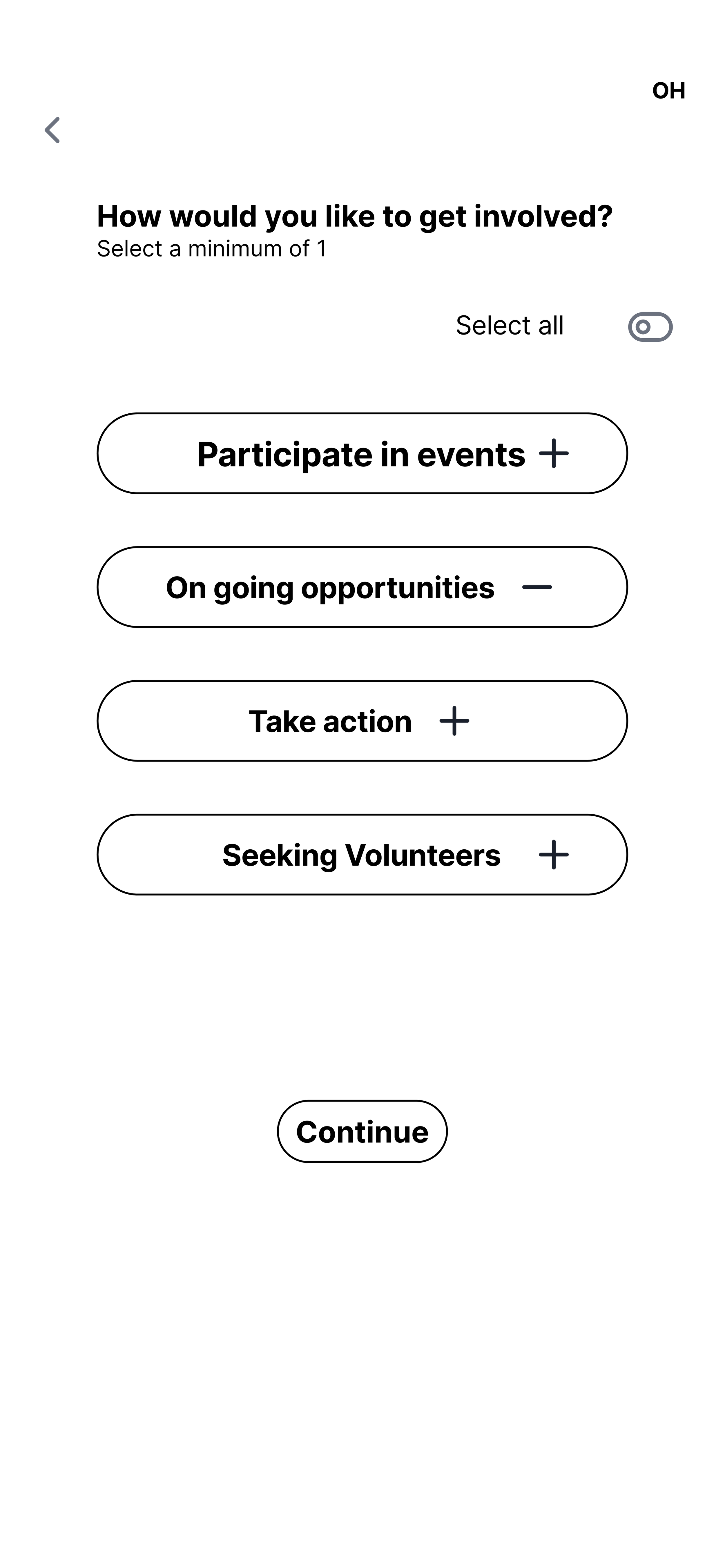
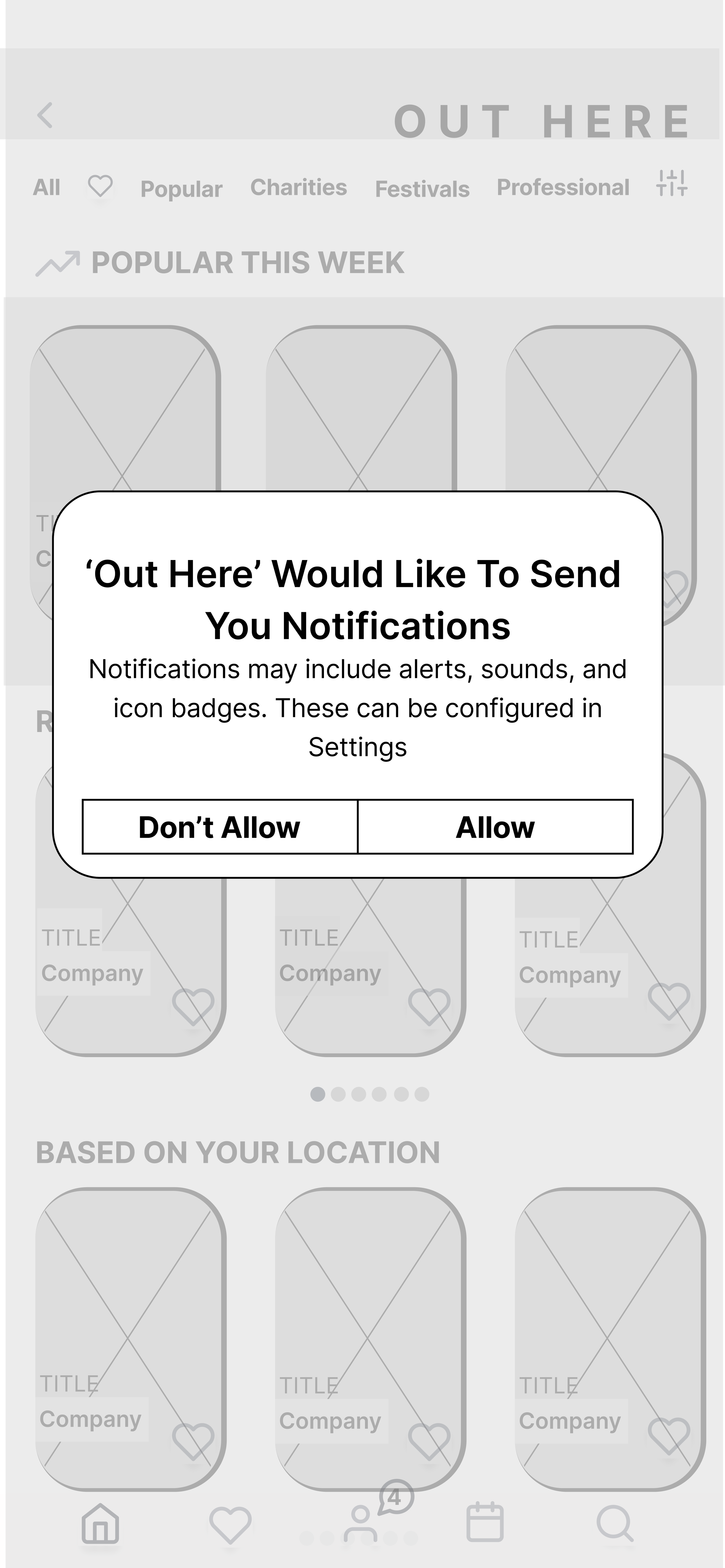
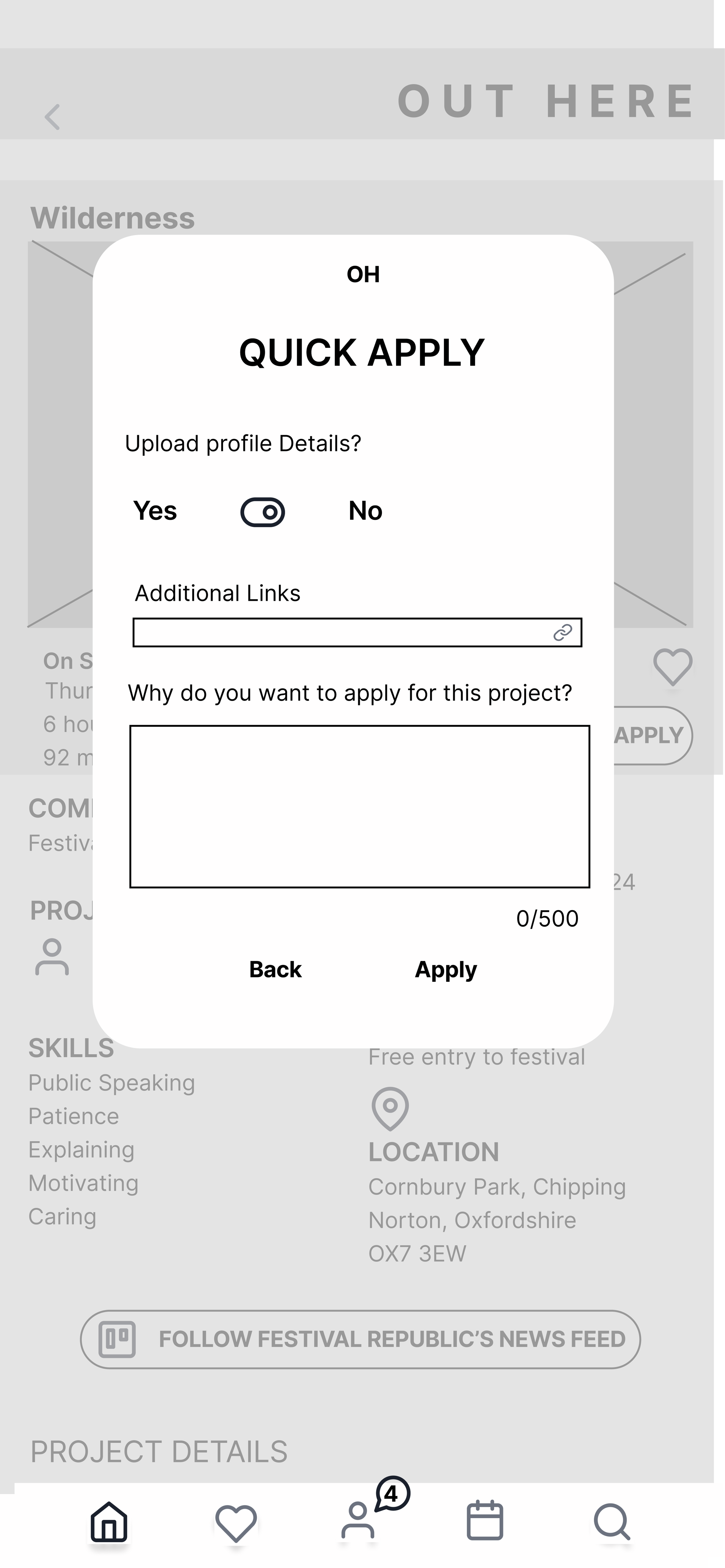
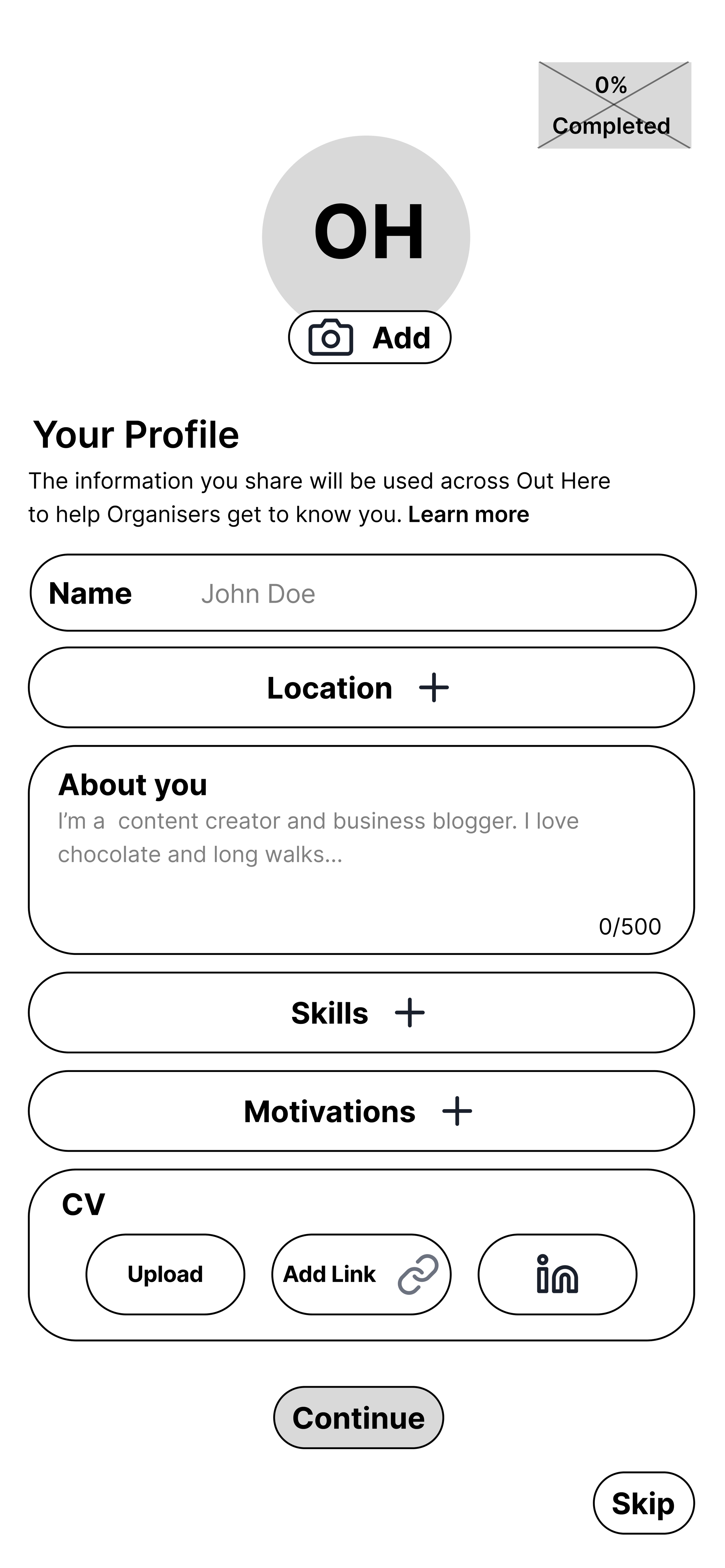
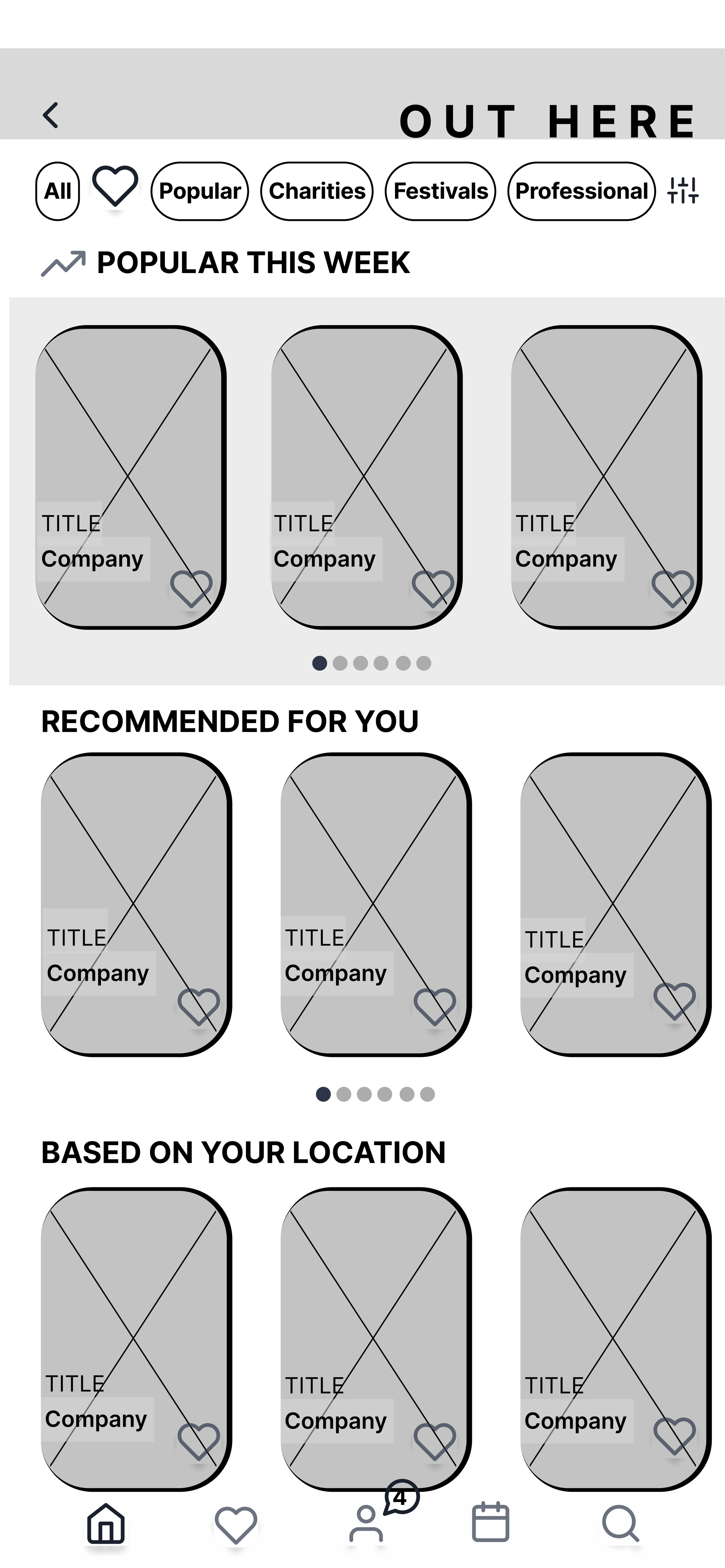

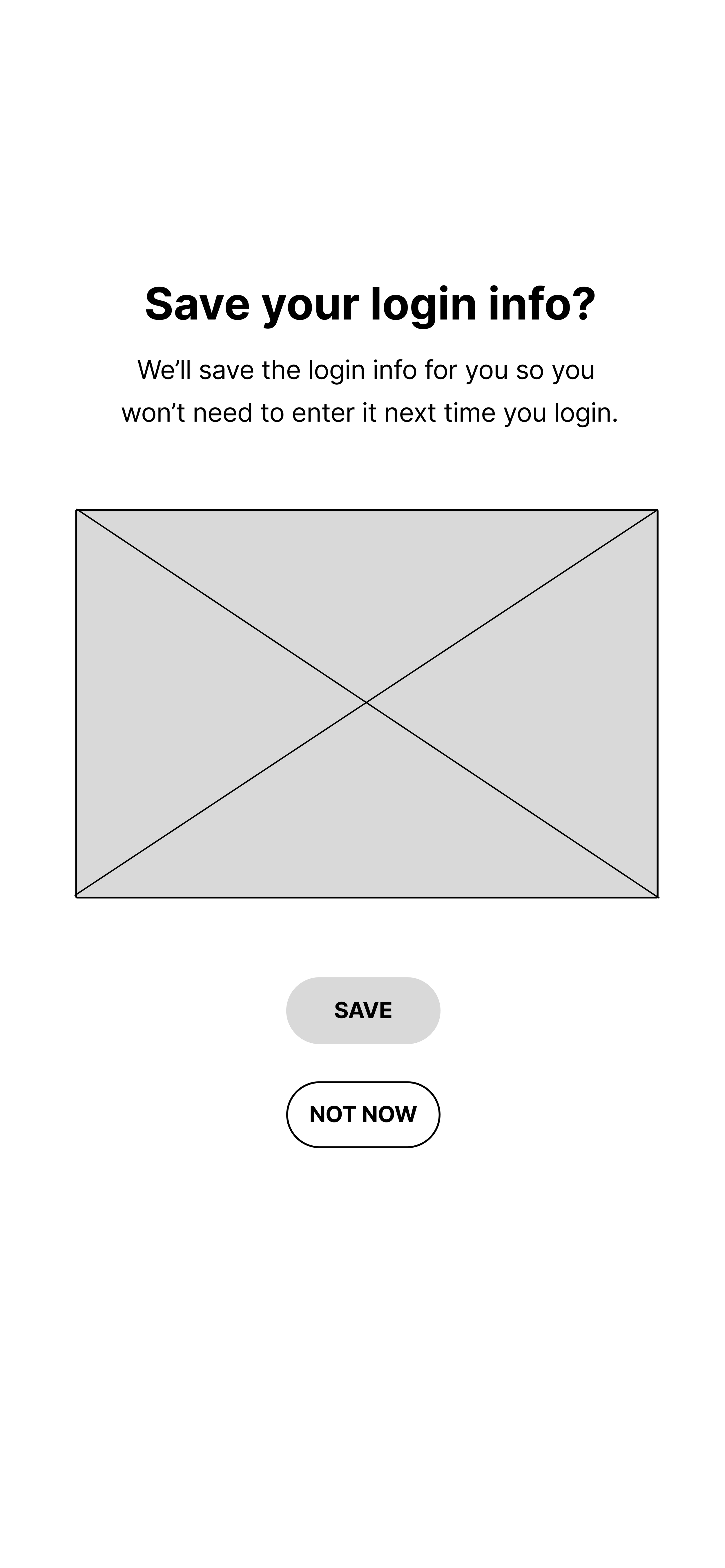
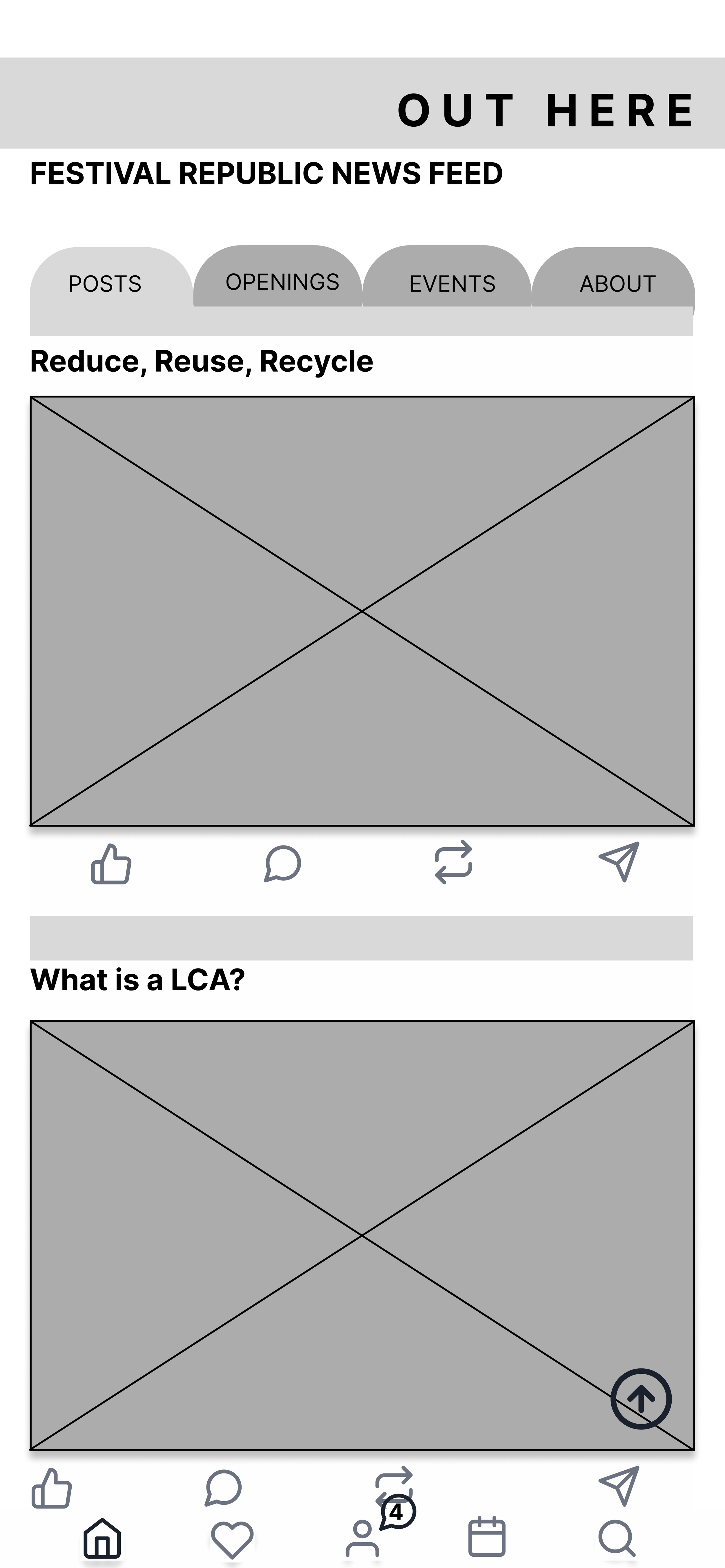
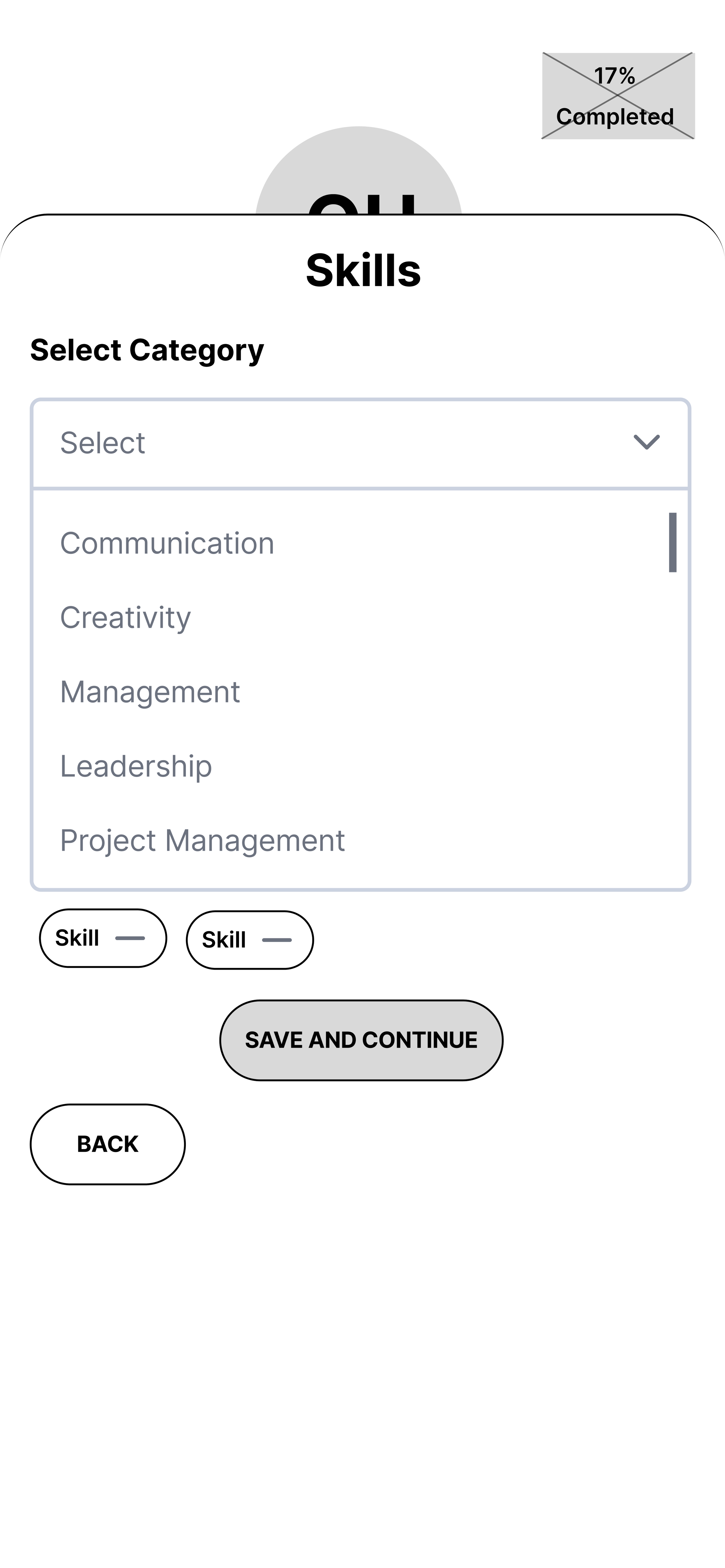
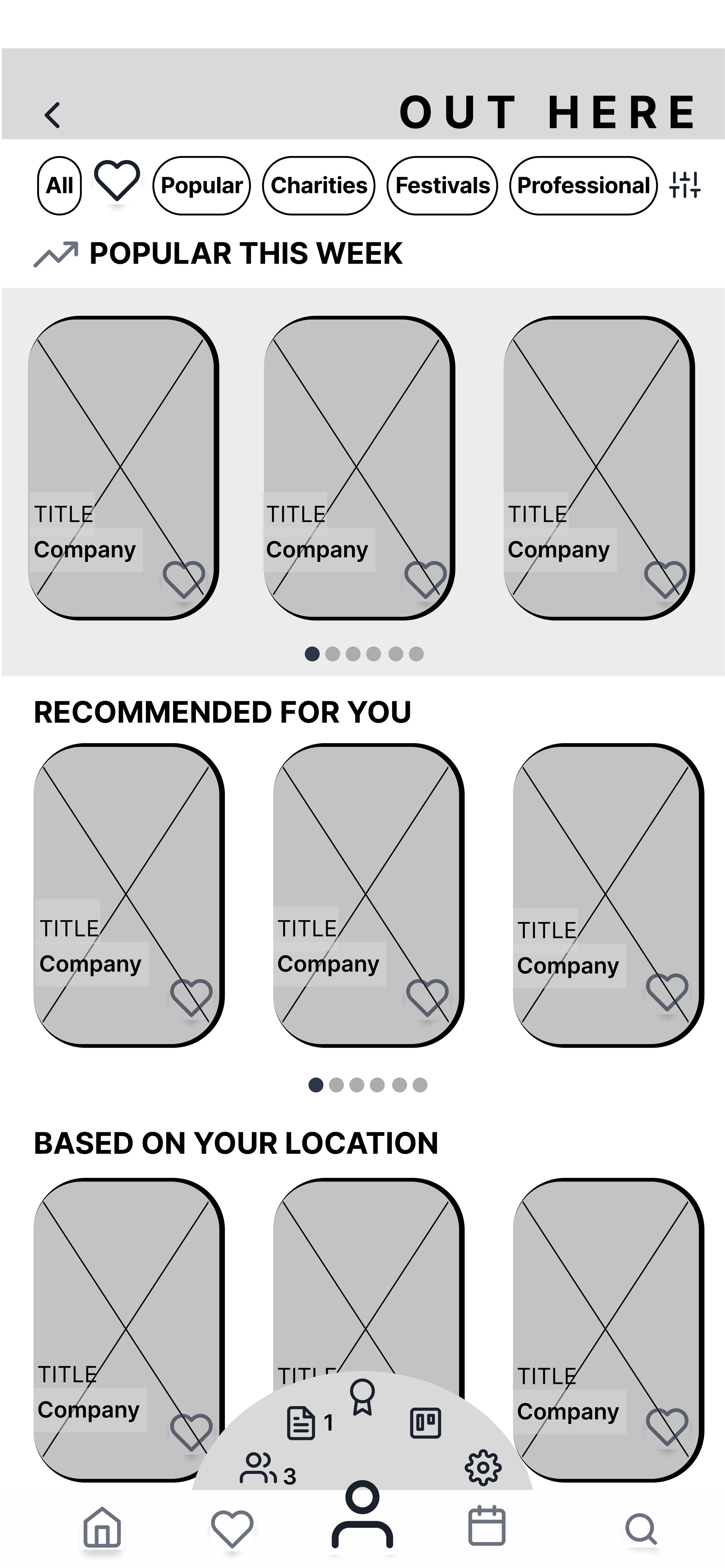
Improvements
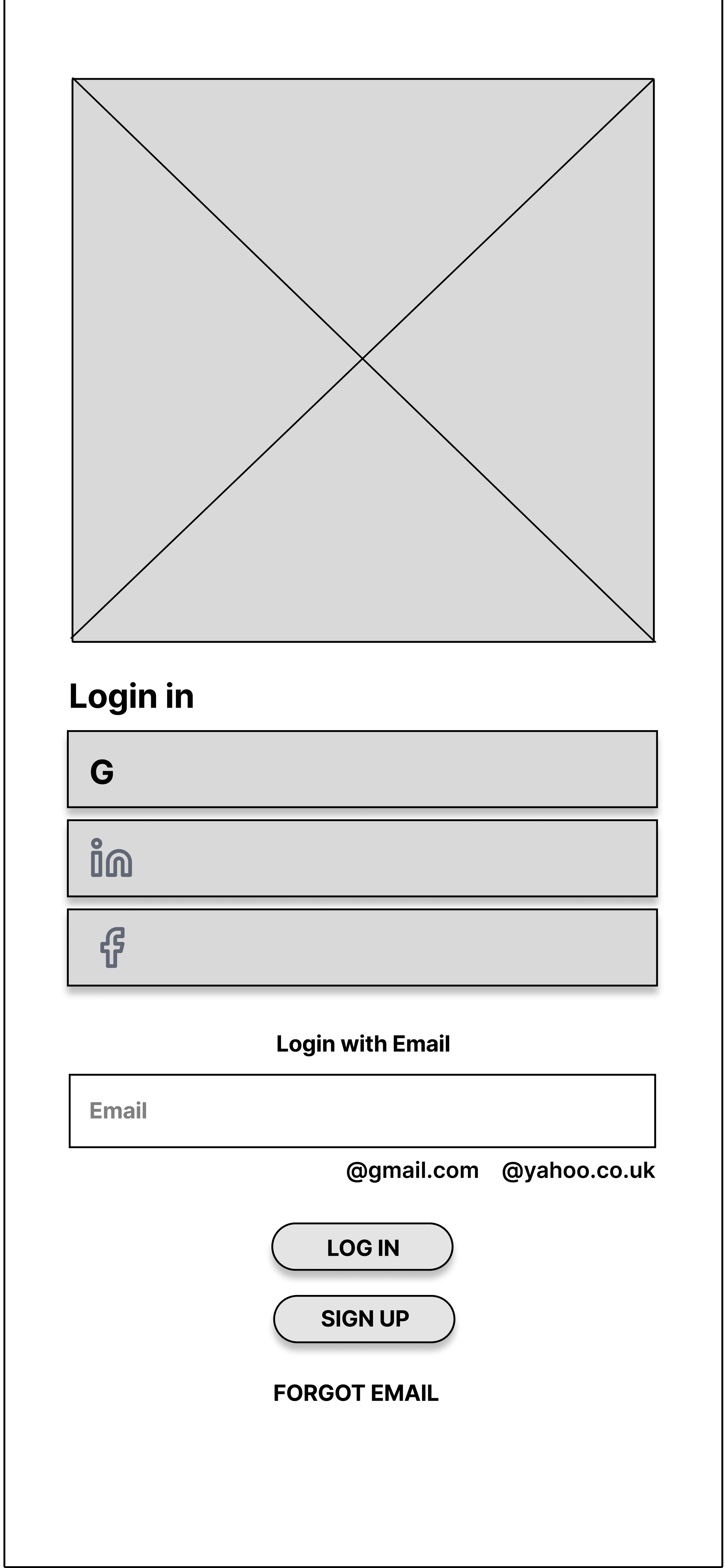
Account creation flow
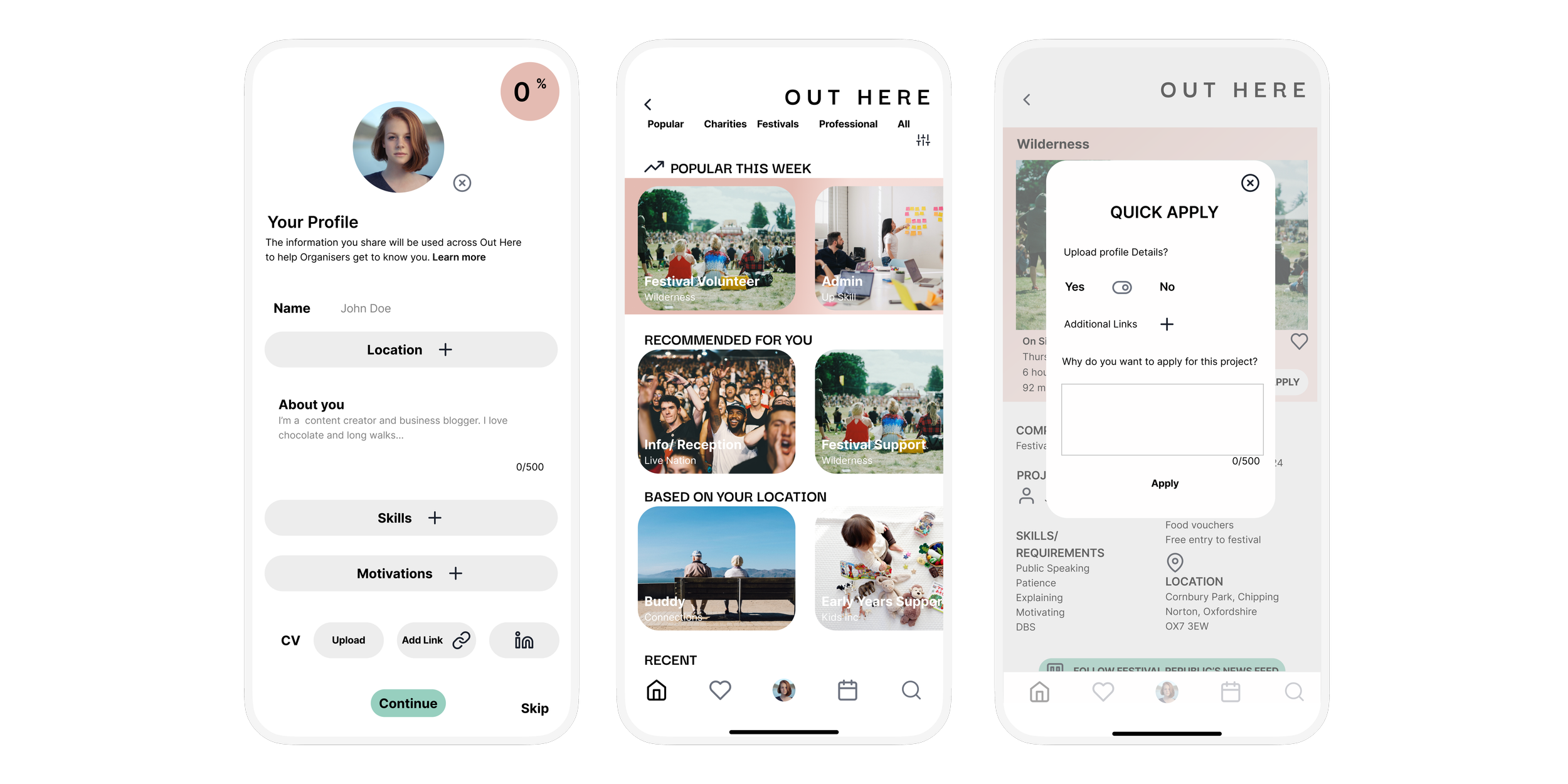
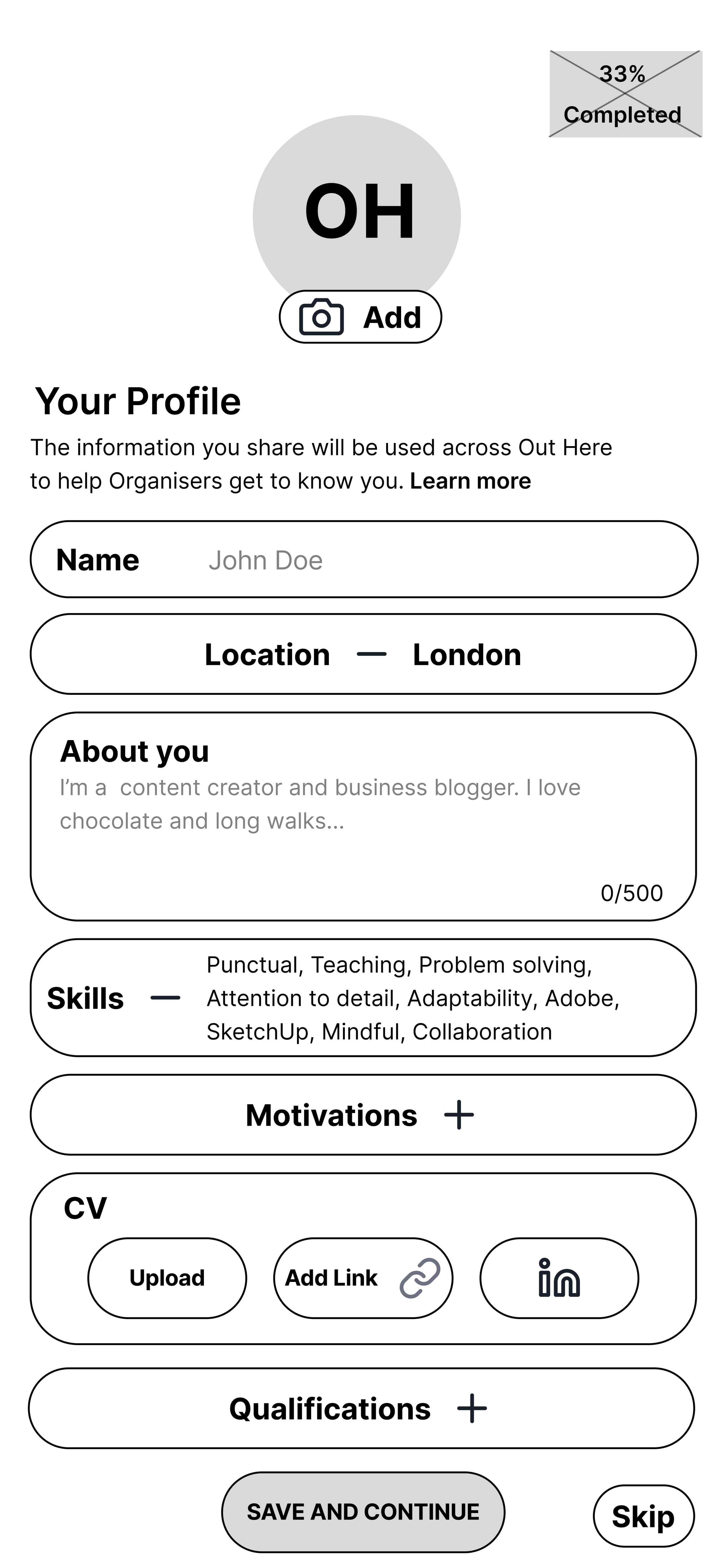
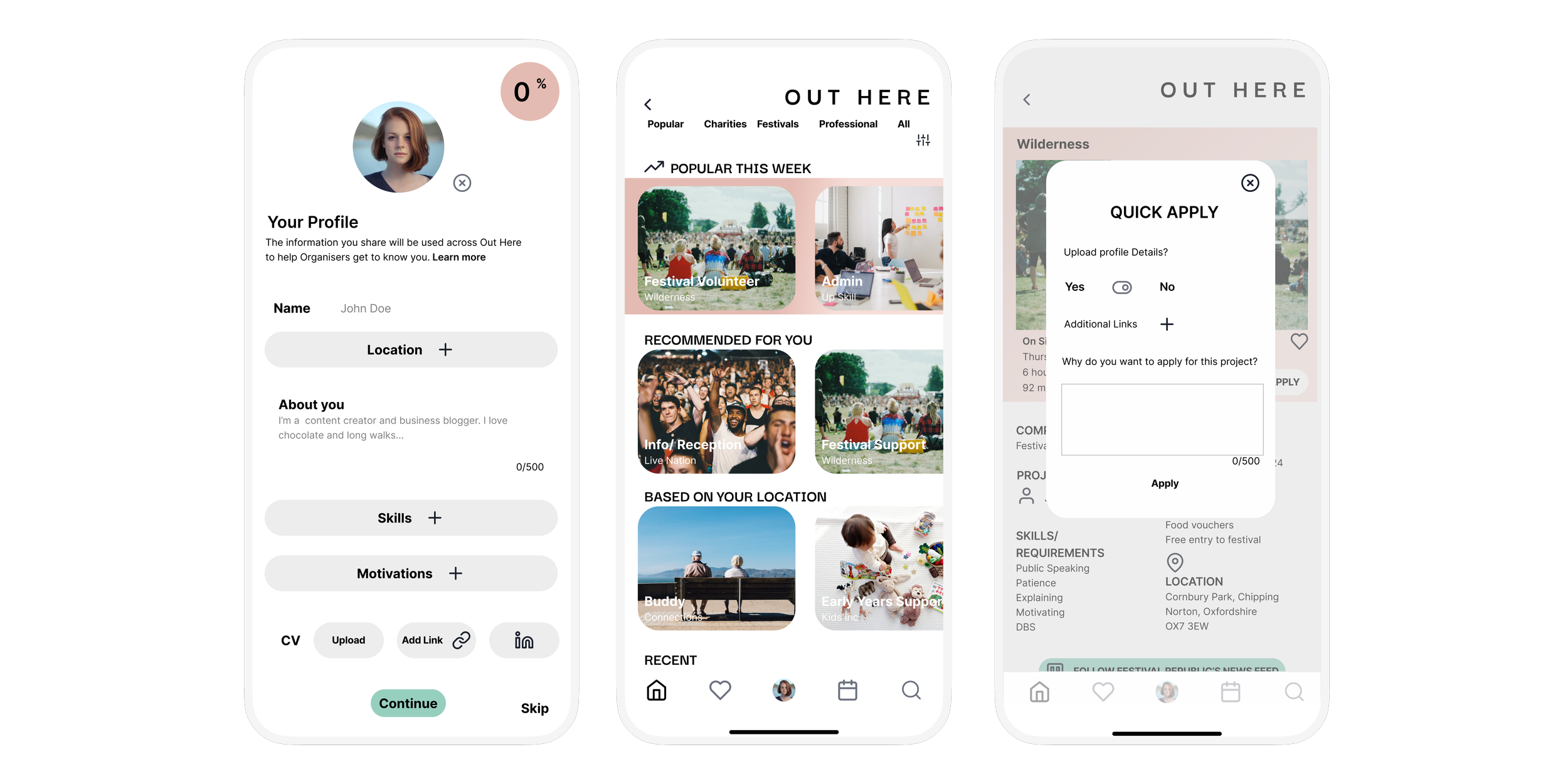
Users can add a photo of themselves, a short bio, a preferred name, etc.
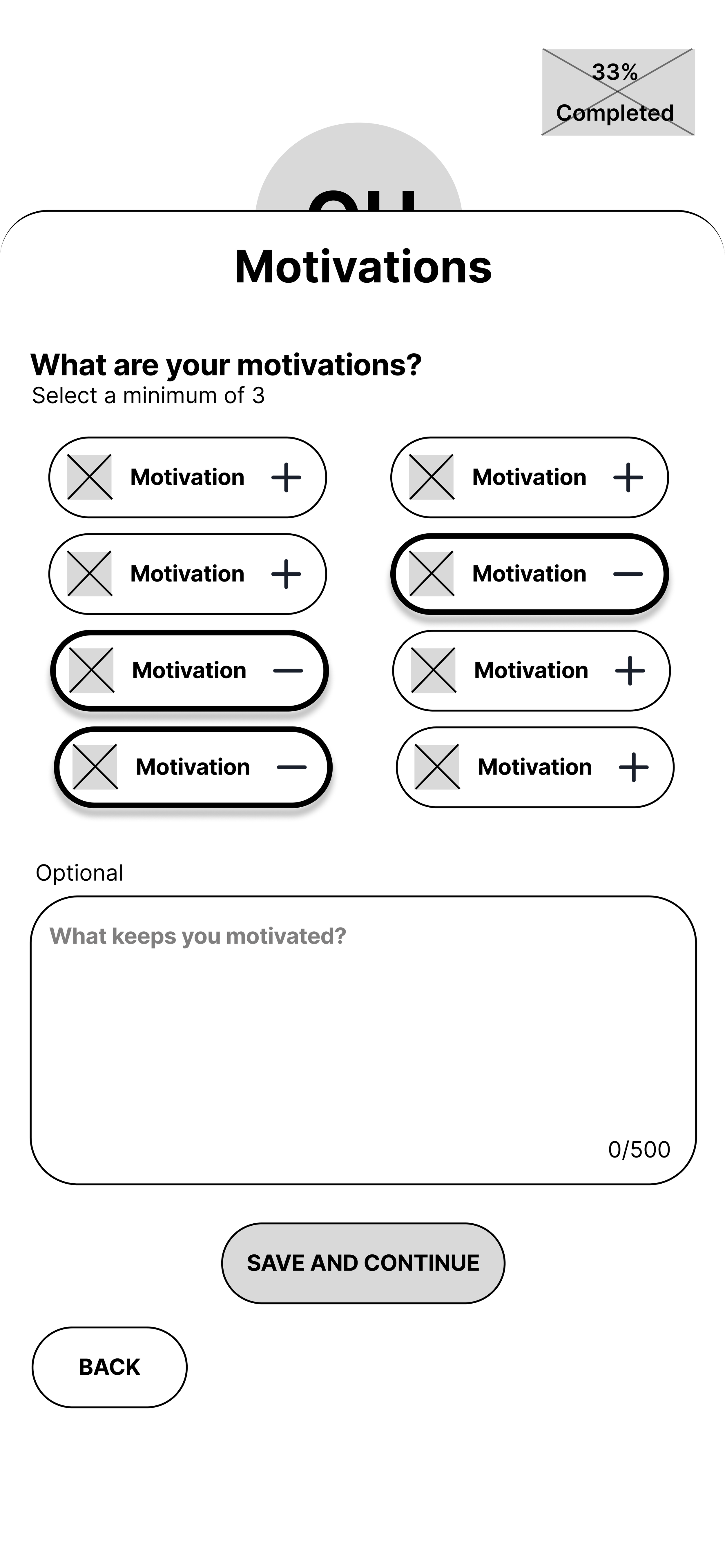
Onboarding Experience
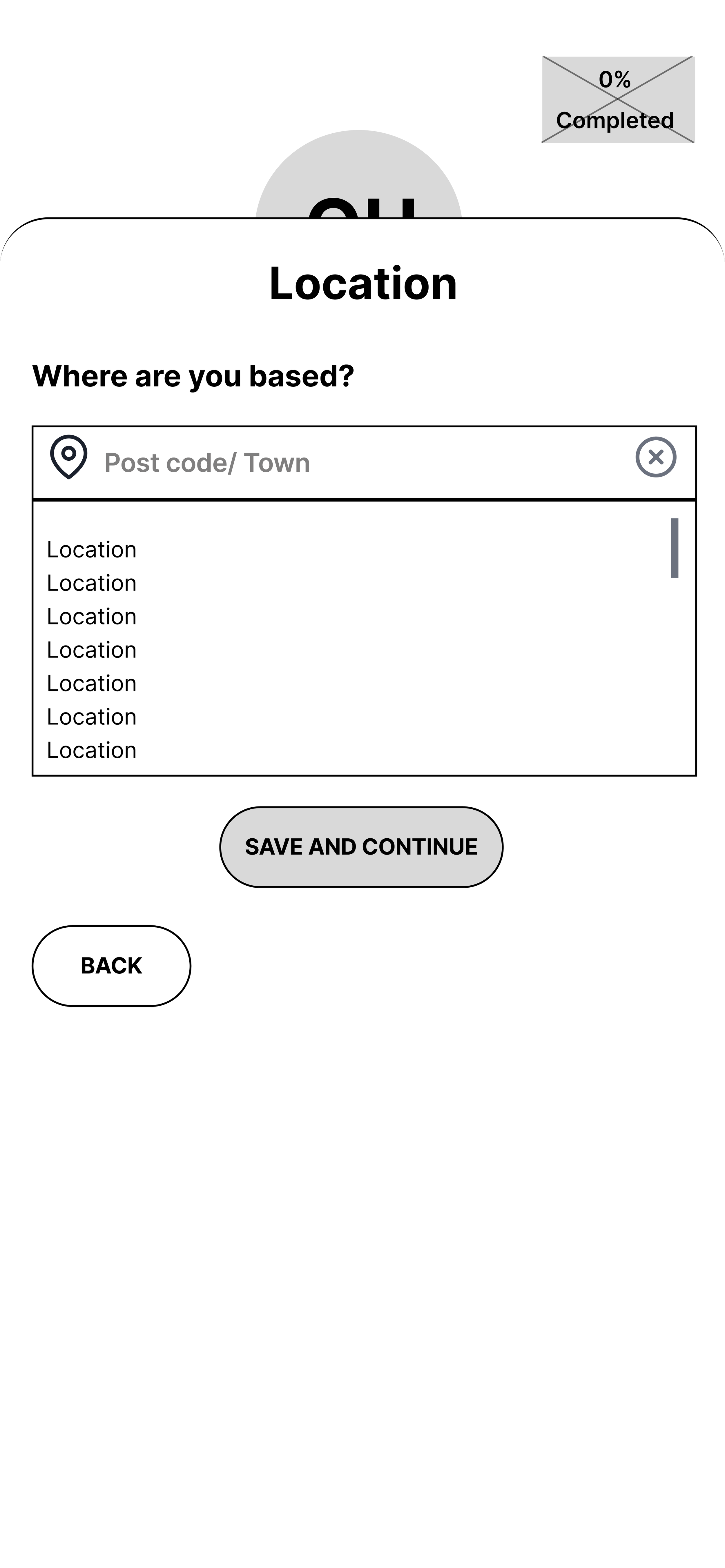
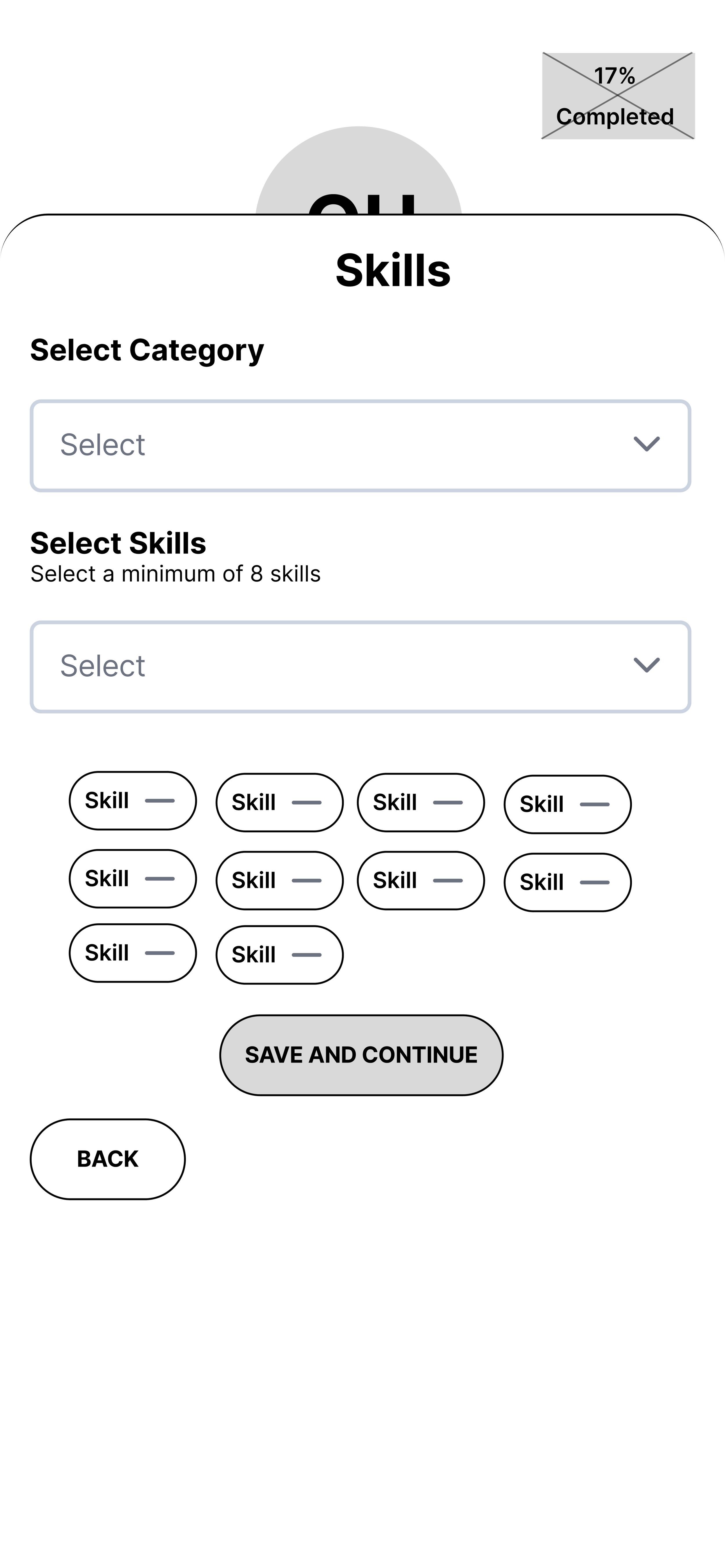
Based on my mentor’s feedback, I added an open text form field in case volunteers were motivated by something other than what's listed on the screen.
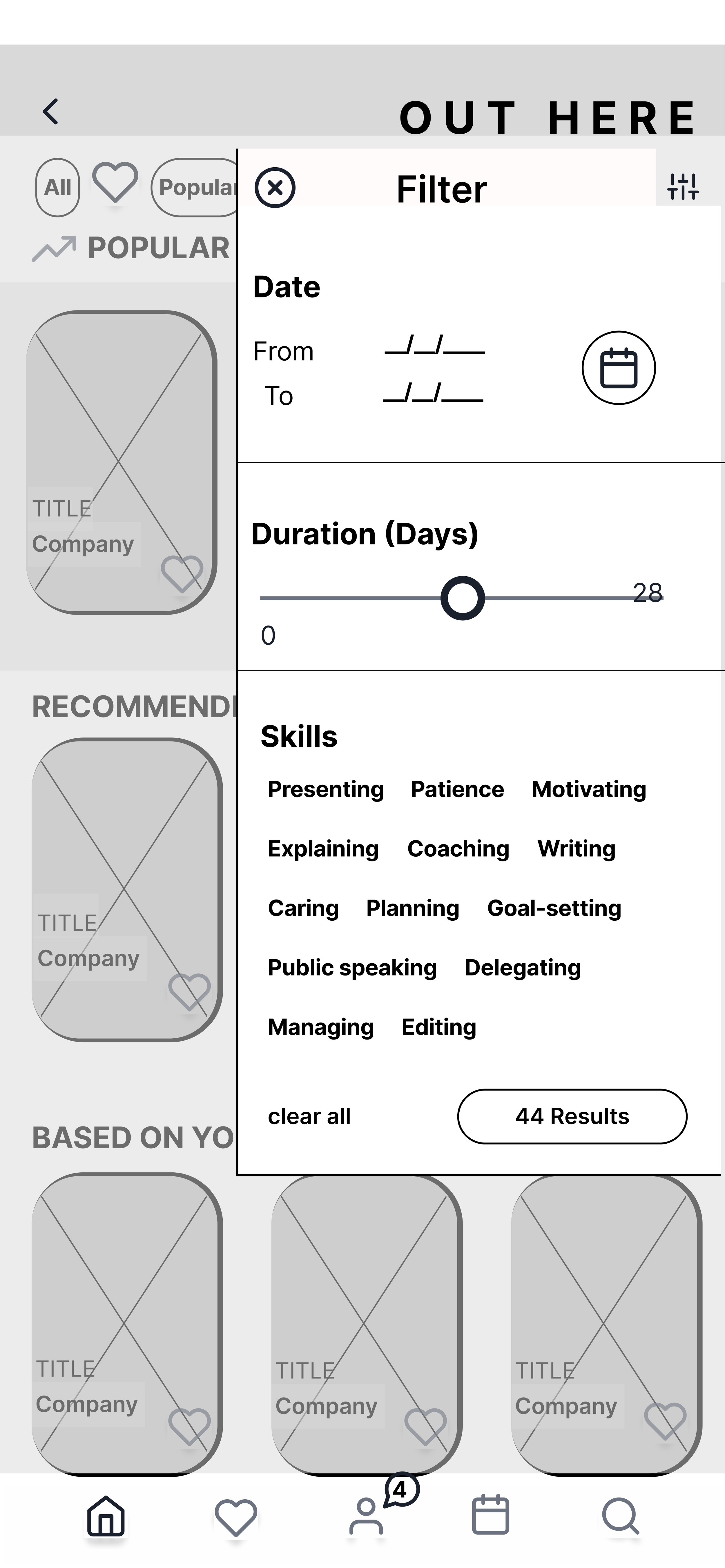
Using low-fidelity UI for a more user-friendly experience.
Removal of hamburger menu
Based on user feedback, letting the user naturally flow to other parts of the app seemed a better fit.
Fewer steps
‘Quick Apply’ allows users to use information stored in the user profile as it applies to all volunteer opportunities. This way when a user clicks 'Quick Apply' there are fewer steps for them to submit an application because the system will just pull from their user profile
Prototyping Demo
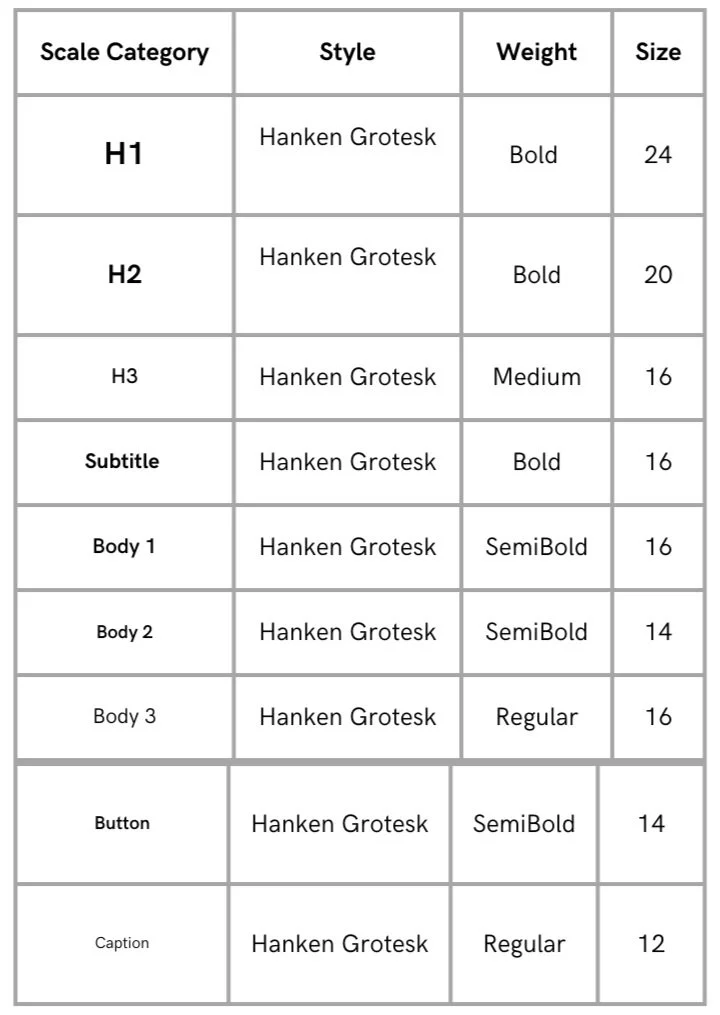
UI Design
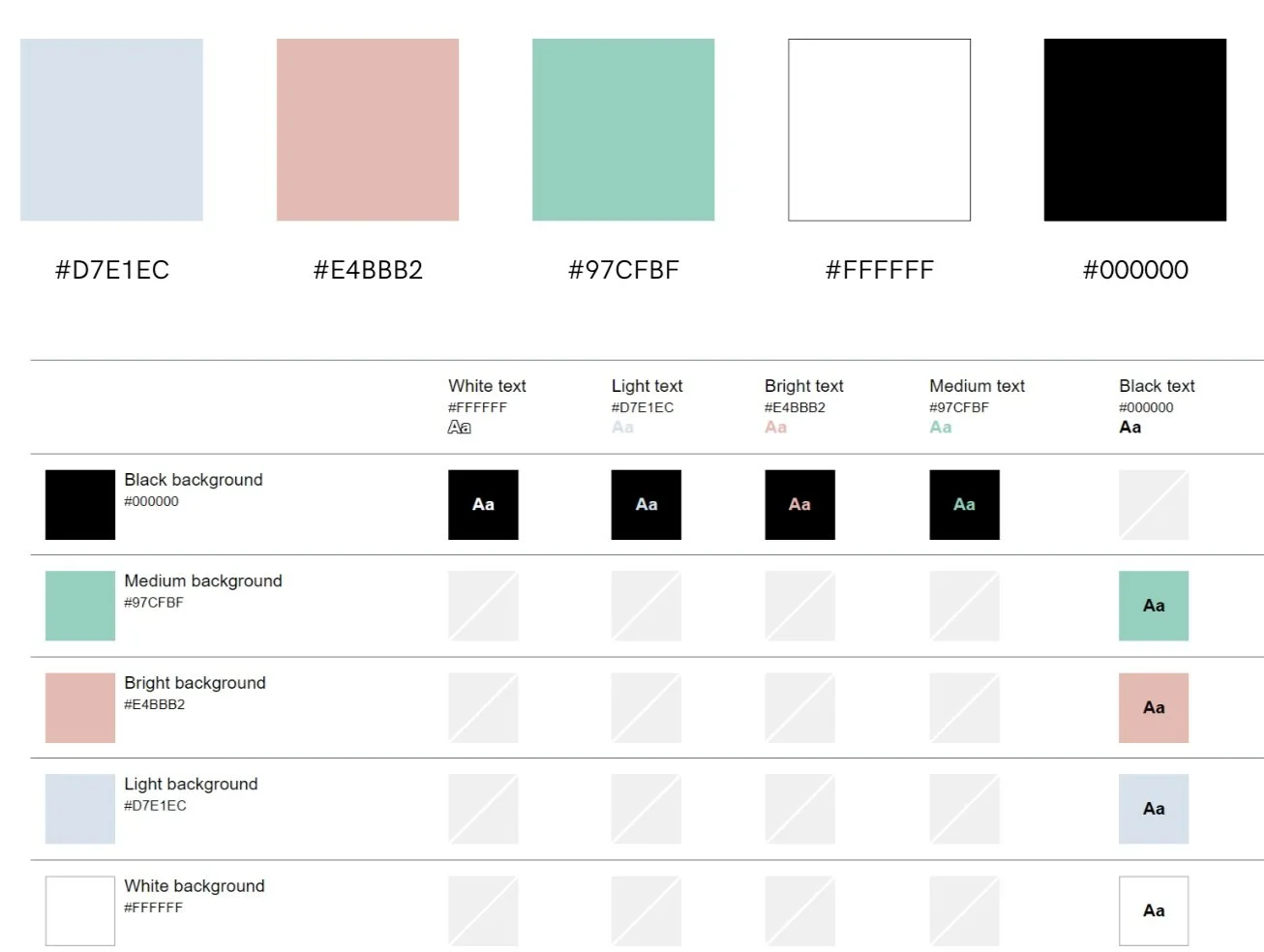
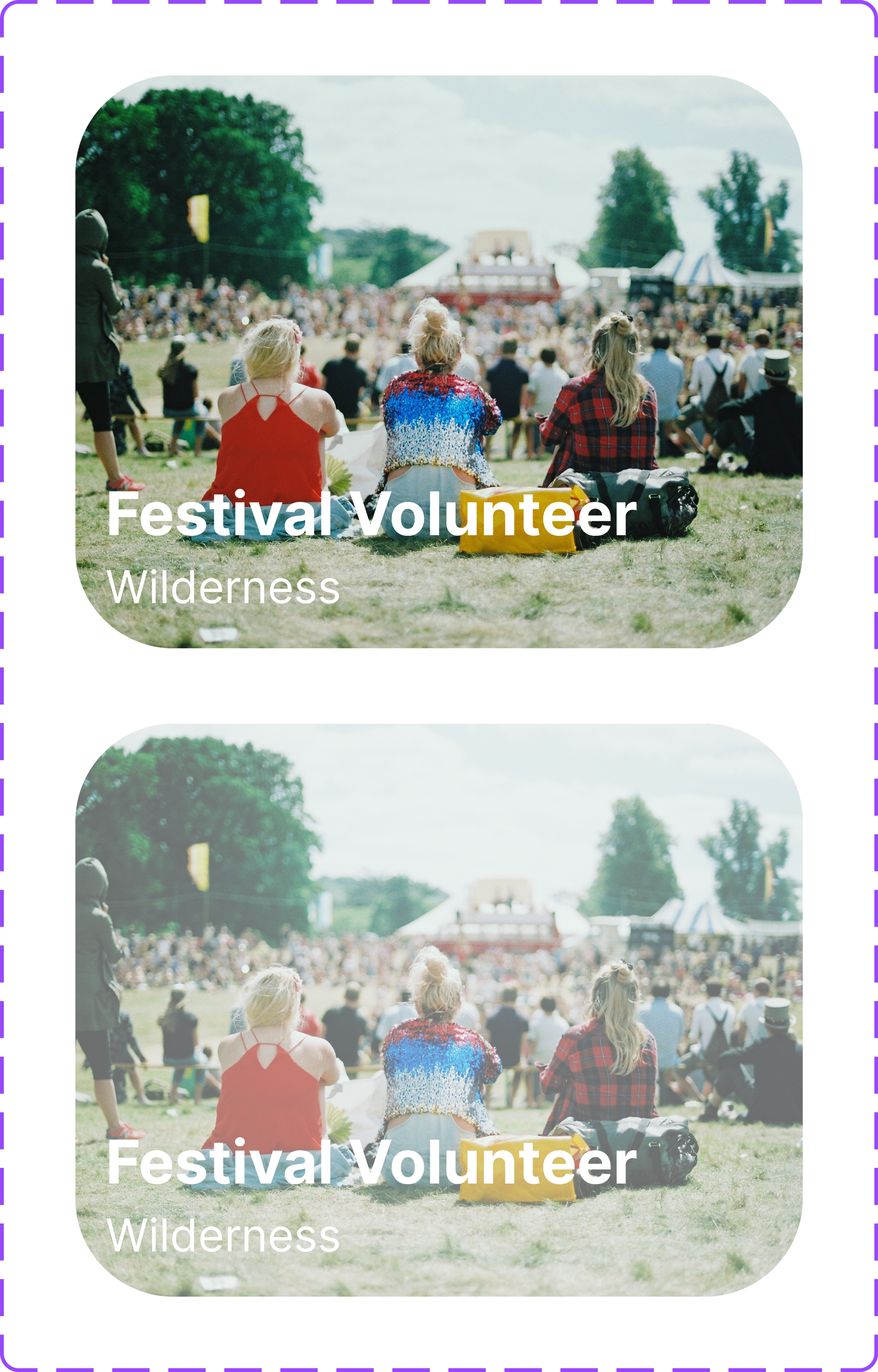
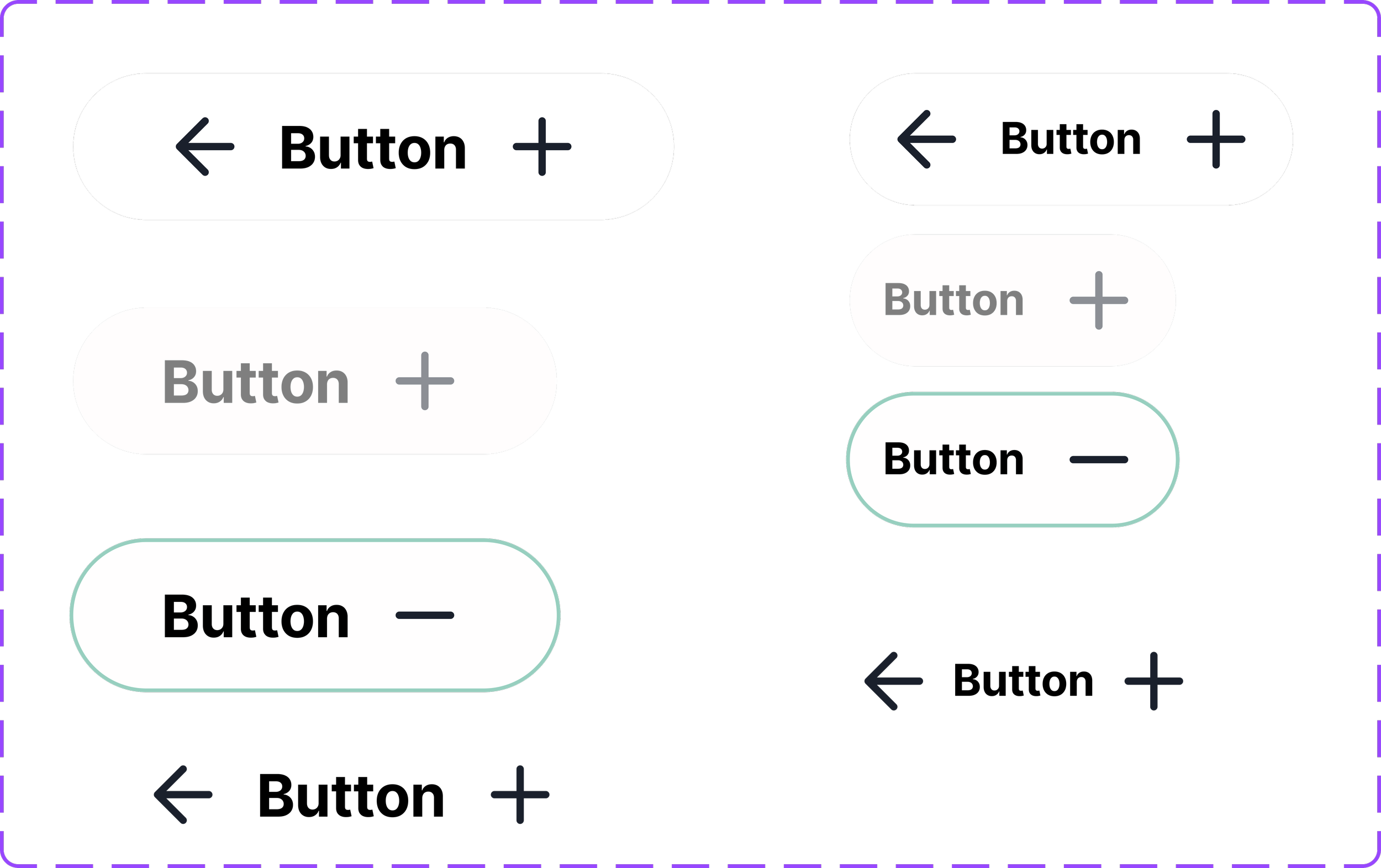
Key wordsCommunity , Connecting, Family, Feel good, People, Outdoors, Oneness


High Fidelity Wireframes
Future Thinking
Key Learnings
Flexibility is key. It's important to reassess and keep innovating . Always prioritising usability within the specified constraints should always supersede personal preferences.
Next Steps
A verification process for the volunteers and organisations to build trust on the platform,
Include more integrations such as Google Docs, Zoom, and social media platforms.
Expand my workings on the organisation’s dashboard. Include elements from Trello and Google suite
Reach out to organisations for their input
Continue to integrate feedback